Charging Phone: How Long Does It Take?

Charging Cell Phone: How Long Does It Take? (+ Examples)

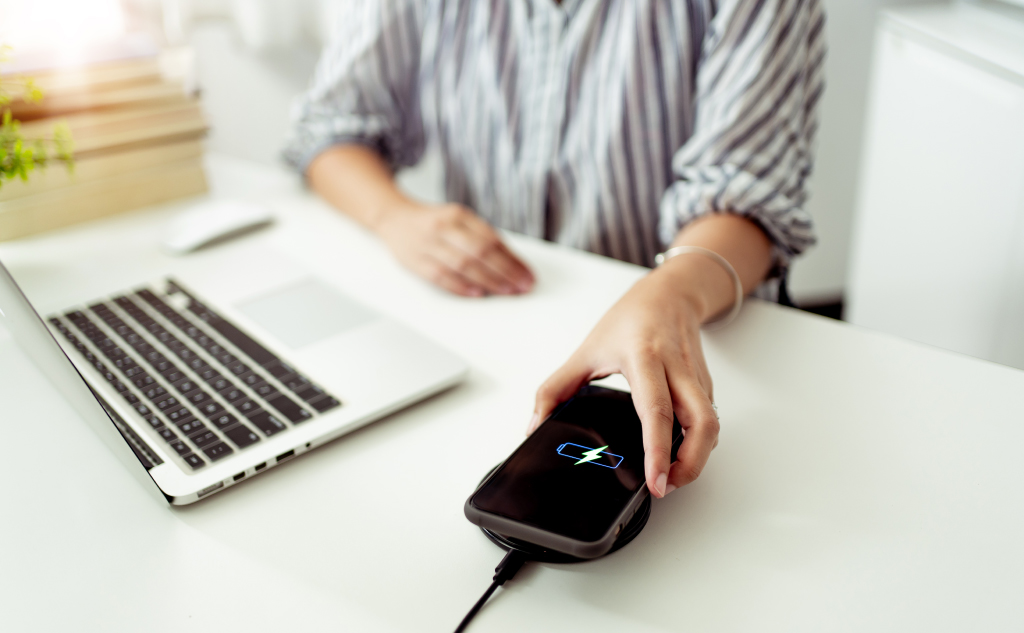
Here’s how long it takes to charge a cell phone: The answer depends on many factors, such as the capacity of your battery and the charger you are using. Modern smartphones generally take between 40 minutes and two hours to charge. These are just averages because real charge times vary so much, even between phones … Read more

Wireless Phone Charging Destroys Credit Cards: True?

Wireless Phone Charging Destroys Credit Cards: True? (Why?)

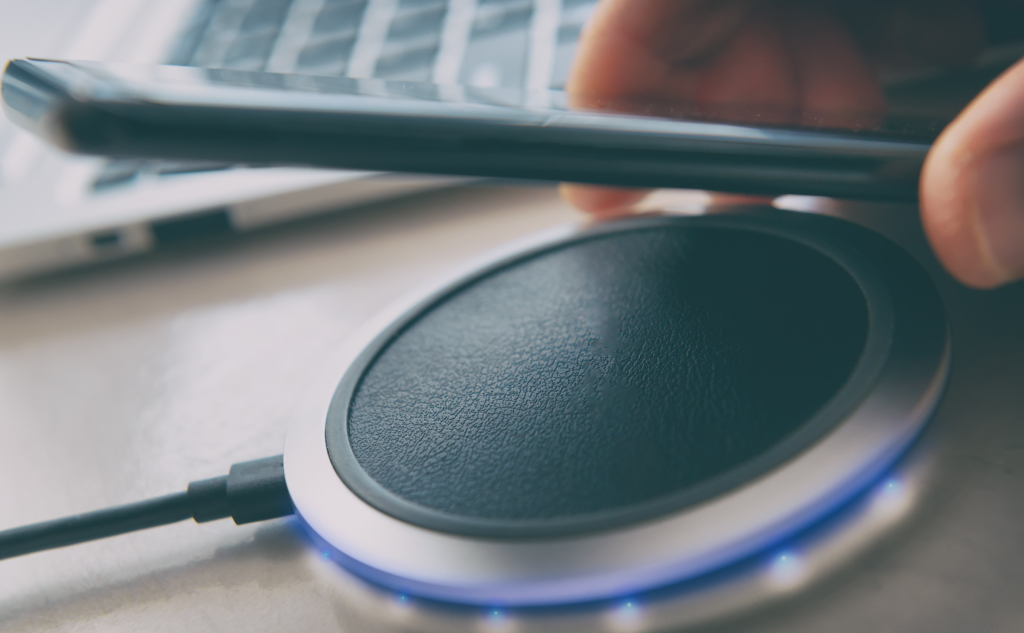
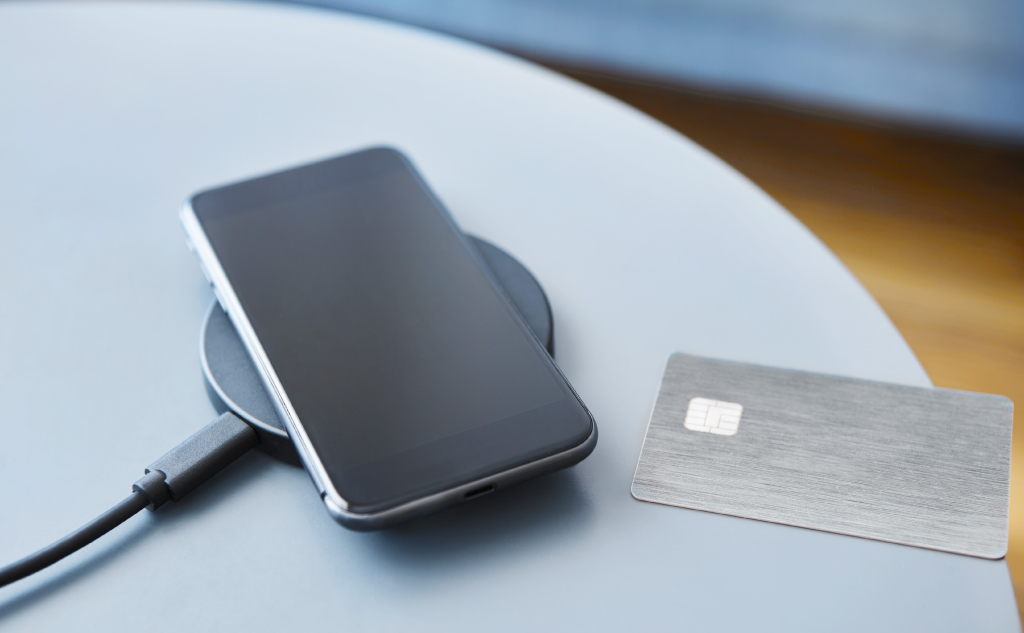
Wireless phone chargers use magnetic induction to charge your phone. Your wireless phone charger has enough magnetic pull to damage credit cards, security badges, key fobs, gift cards, and hotel room keys. In general, you should always use magnets with caution when working near electronics.

Dropping Your Phone: What Happens?

Dropping Your Phone: What Happens? (Internal Damage?)

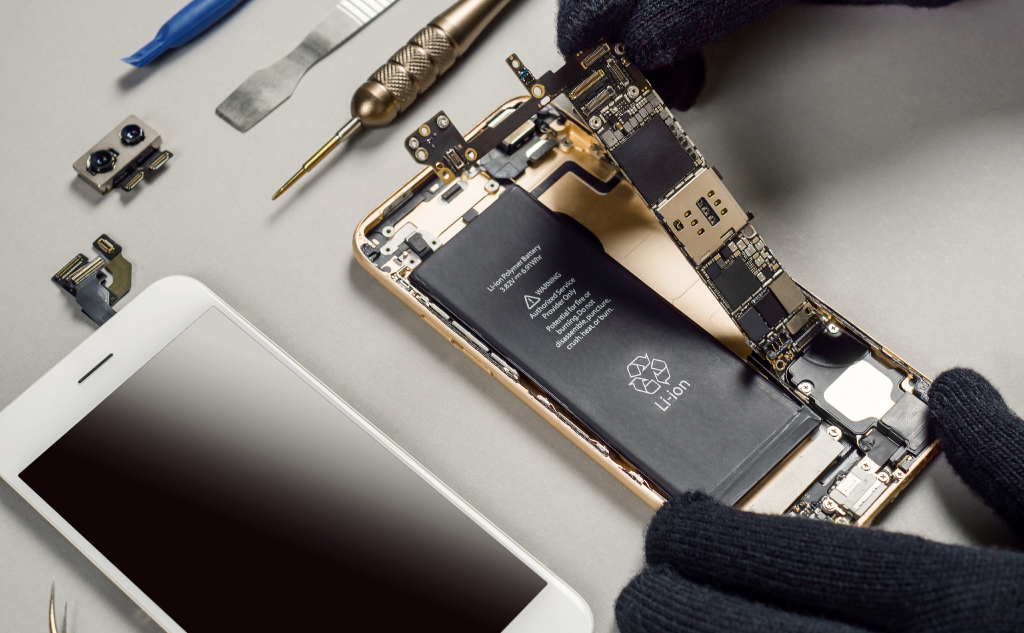
The short answer is, it depends. Many drops are harmless to phones, but some can be completely devastating. The different outcomes depend on how the phone is dropped, how it is designed, and what extra layers of protection might be at play.

Wireless Cell Phone Charger Parts: Names & Functions?

Wireless Cell Phone Charger Parts: Names & Functions?

Here everything about the parts of a wireless cell phone charger including their names and functions: So if you want to learn all about the parts of a wireless cell phone charger, then you’re in the right place. Let’s get started! What Are the Parts of a Wireless Cell Phone Charger? Wireless charging has become … Read more

Ethernet Light Blinking & Computer Is Off: Why?

Ethernet Light Blinking & Computer Is Off: Why? (How to Fix)

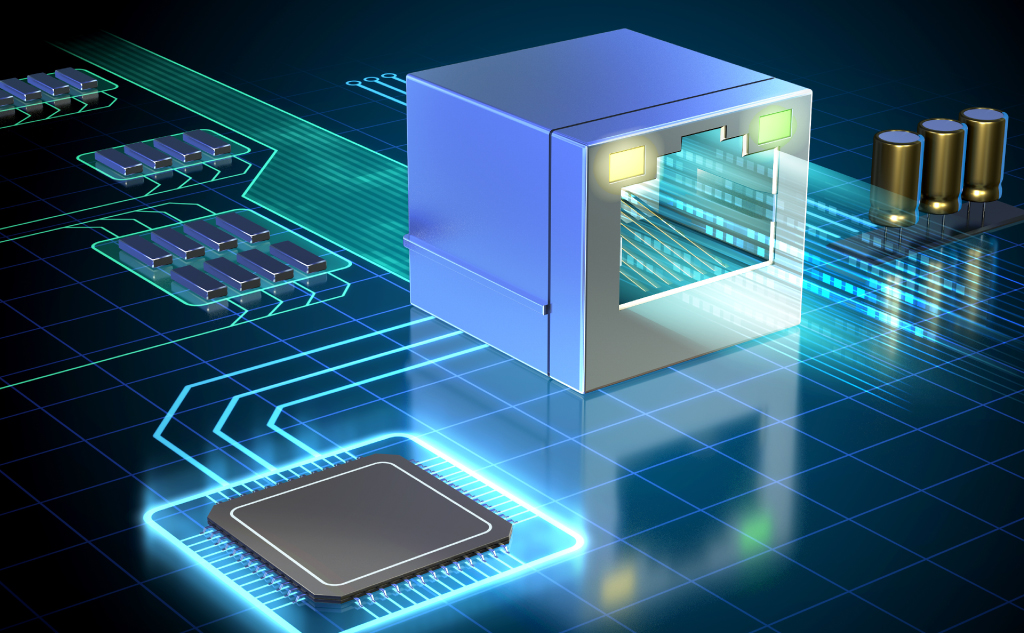
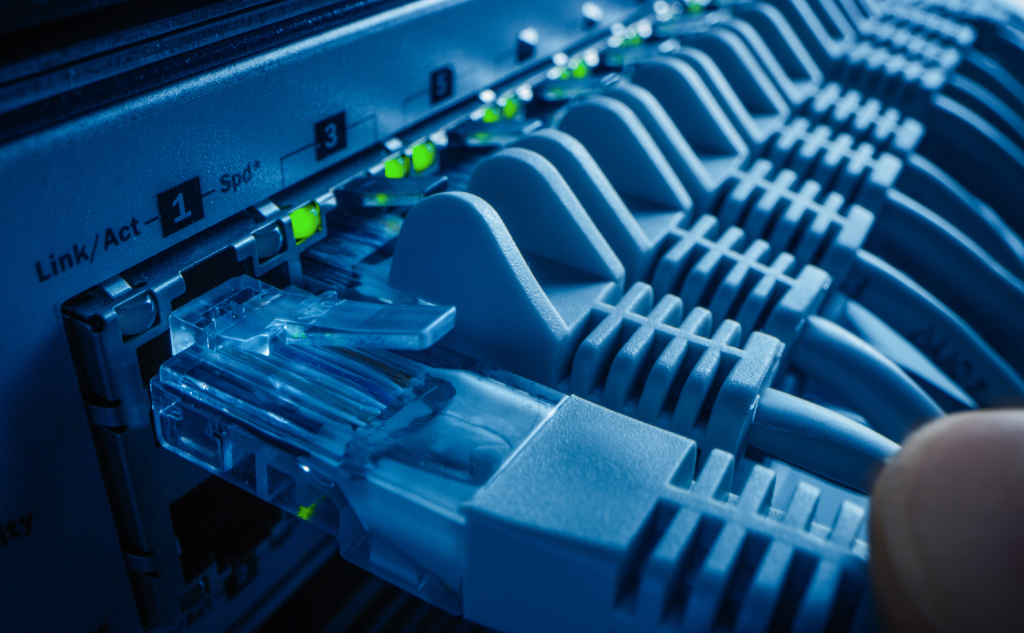
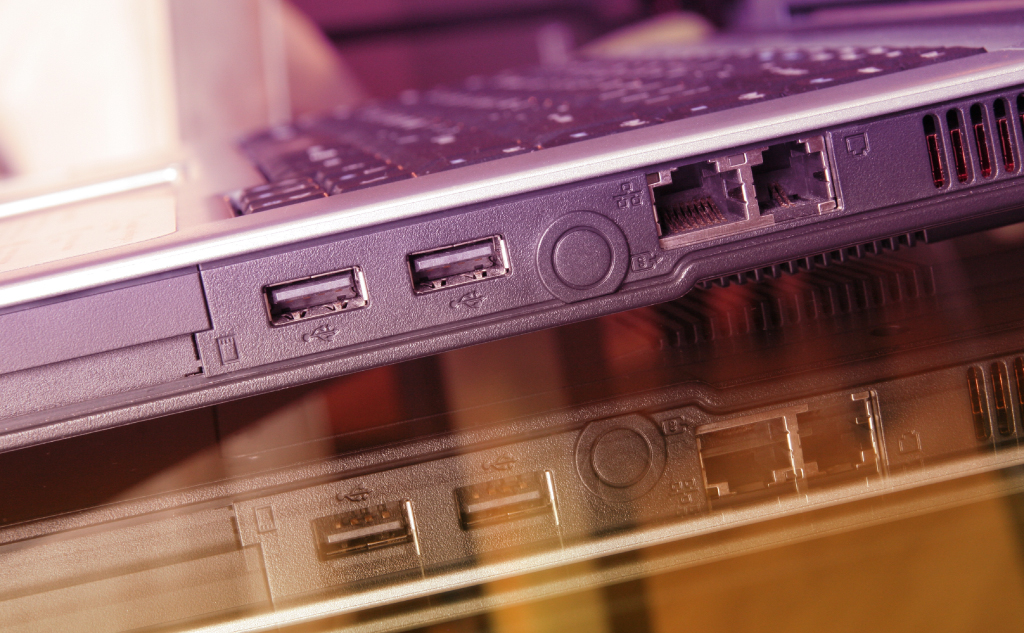
Here’s why your Ethernet port light is blinking when your computer is off: This is related to a feature known as wake from LAN (or Wake on LAN or WoL).  Wake on LAN lets other devices wake up your computer through the Ethernet cable.  Your port light blinks when the computer is off because WoL … Read more

Always-on Ethernet Port Light: Meaning?

Always-on Ethernet Port Light: Meaning? (+ Vital Facts)

The always-on Ethernet port indicator light tells you that the connection between the two Ethernet ports is functional. The light is designed to let you know that your Ethernet connection is established without performing additional tasks. The light can come in different colors, depending on the manufacturer.

Using Phone While Charging: Bad?

Use Phone While Charging: Bad? (+ Interesting Facts)

You can use your phone while it is charging, and it won’t hurt it. Recharging a battery reduces its lifespan, however. Modern devices use electronic controllers that stop charging the battery when it’s full, though. The current bypasses the battery and runs the computer directly.

Ethernet Connected But No Internet: How to Fix?

Ethernet Port Light Blinking & No Internet: How To Fix?

If your Ethernet port light blinks, but you can’t connect to the internet, the cable is working, but your modem is not. First, make sure you don’t have internet access. Then troubleshoot your connection by either soft reset or hard reset your modem and using known-good components.

Twitter Unsupported Phone Number: Meaning?

Twitter Unsupported Phone Number: Meaning? (All the Info)

You will receive this error when using a landline or mobile device that Twitter cannot text you a verification code. The provider of your mobile or landline phone does not allow Twitter to send you a verification code through SMS.

Calling, Double Ring or Extra Long Ring: Meaning?

Calling, Double Ring or Extra Long Ring: Meaning? (All Info)

Double ring: You have been placed in call waiting if the first ring is a double ring while you are the caller. Extra-long ring: Whenever you attempt to call out, your local switch takes over. The longer it takes to connect to the local switch, the longer the ringtone.

Android Factory Reset: Removes Android Updates?

Android Factory Reset: Removes Android Updates? (All the Info)

No, a factory reset will not remove your Android updates. A factory reset allows you to delete all your data and settings. It restores the device to its original state by erasing all the information stored on it. However, a factory reset doesn’t roll back any Android updates because it can’t.

Hotspot Phone to PlayStation: Possible?

Hotspot Phone to Playstation: Possible? (+ How to)

Yes, you can connect your PlayStation to the internet via a mobile hotspot. That applies to both iPhones and Androids. Sometimes you don’t have a Wi-Fi or Ethernet connection to hook your PlayStation to the internet. Times such as these call for drastic measures.

Ethernet Port Light Colors: Meanings?

Ethernet Port Light Colors: Meanings? (Everything to Know)

Blinking Ethernet light means that the port is transmitting information. Solid light means a connection between the devices. No light means that there is no current connection. Depending on the manufacturer, each light can have a different meaning and color like green, orange, yellow, and red.