Black Spot Spreading on Cell Phone Screen: How to Fix?
How to Fix a Spreading Black Spot on Your Cell Phone Screen?

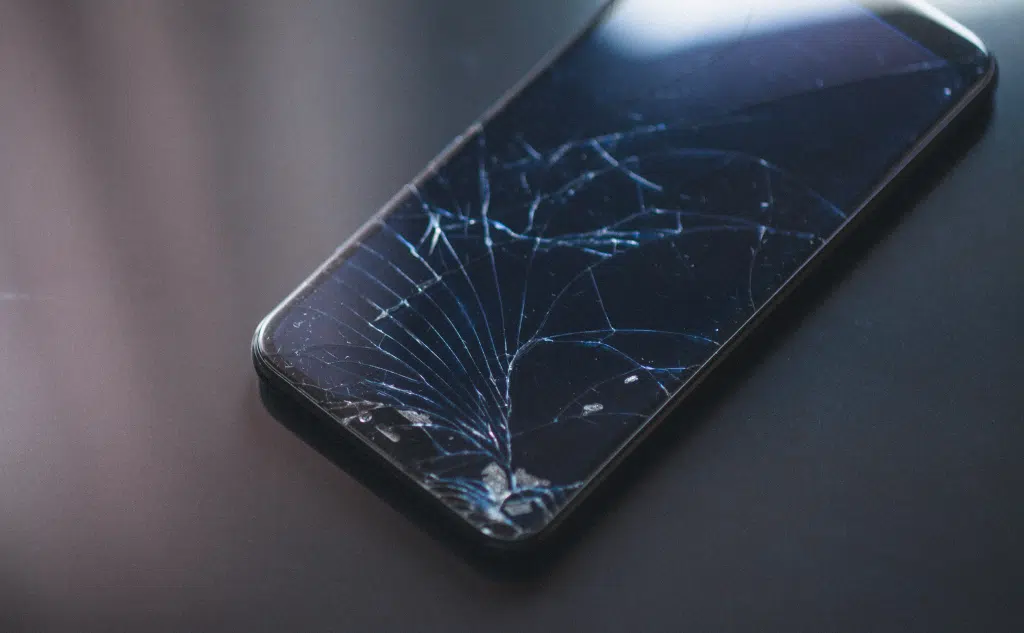
There are 4 cases in which a cell phone can have a black spot spreading on the screen. If it’s stuck pixels, you can unstick them with software. If it’s pressure, you may need to replace the battery. If it’s dead pixels, you may need to replace the screen. If it’s a broken screen, replacing the screen might be best.

Assembling Your PC: Who Can Do That?

Assembling Your PC: Who Can Do It? (+ the Costs)

The answer is none other than yourself and it’s easier than you might think! Your local PC shop, custom-build online stores, and freelance builders are all expensive. The cost starts at $300 and goes up to $2,000 and even more.

Phone Brightness Keeps Changing: How to Fix?

Phone Brightness Keeps Changing? (Auto-Brightness Is Off)

Depending on whether you’re using Android or iPhone, you may have accidentally enabled certain features (other than auto-brightness) that cause your phone to change brightness automatically. These features include night shift mode, power saving mode, attention aware, true tone, and auto lock feature.

Charging Phone With Laptop Charger: Safe?

Charging Phone With Laptop Charger: Safe? (All the Info)

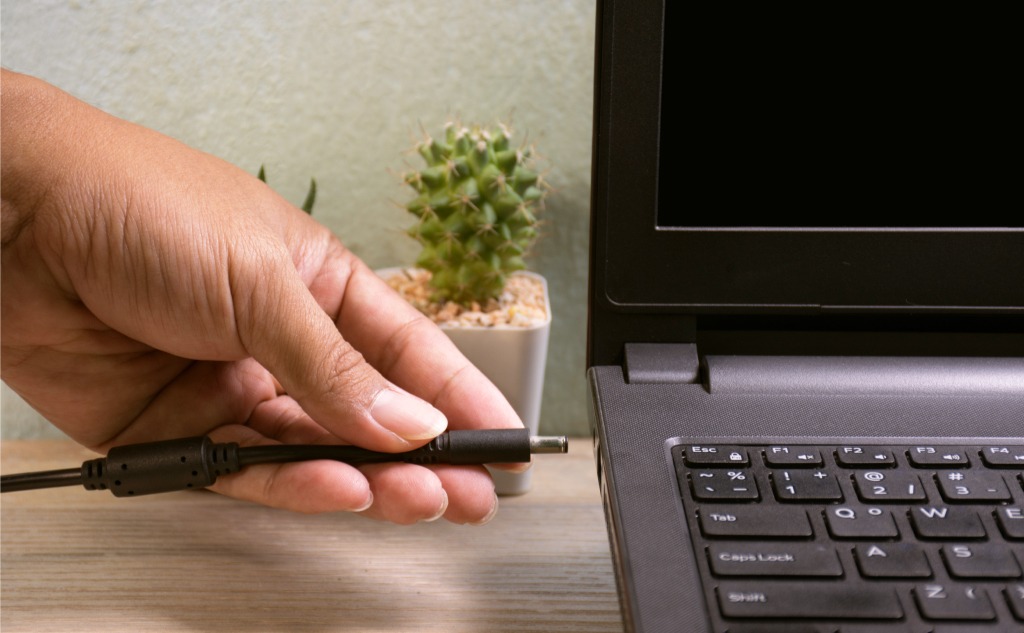
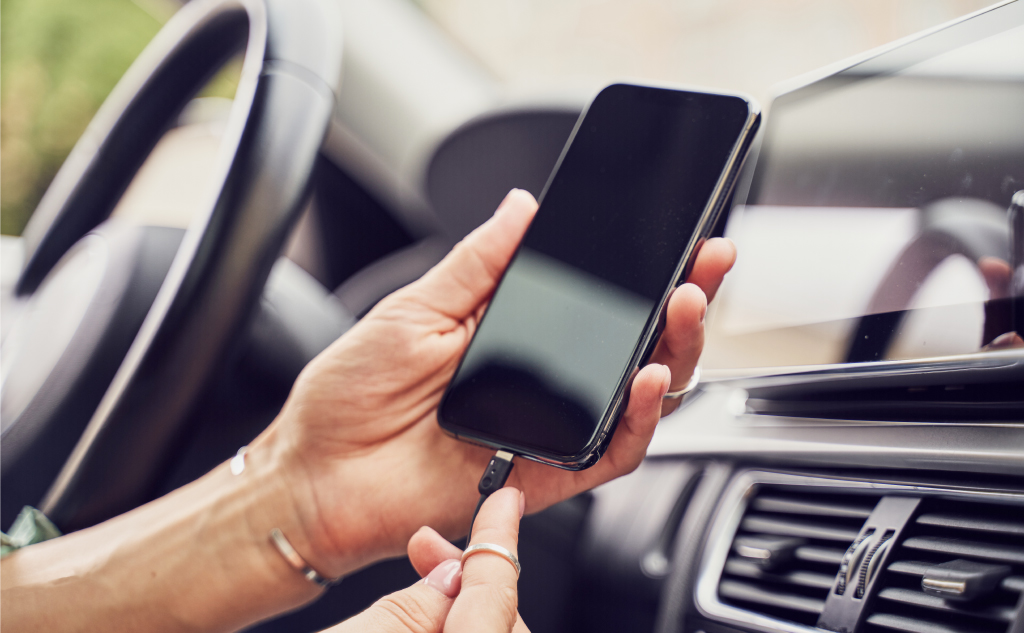
There are two things that have to happen for a laptop charger to work with a phone. First of all, the charger plug must first fit into the phone socket. In addition, the charger and the phone must use the same protocol. This is a fancy way of saying they need to be able to communicate.

Charging iPhone, iPad, or MacBook While FaceTime: Bad?

Charging iPhone, iPad, or MacBook While FaceTime? (Bad?)

Here’s whether using FaceTime and charging your Apple device (iPhone, iPad, or MacBook) at the same time is bad: FaceTime is notoriously power-hungry, and it drains the battery on an iPhone, iPad, or MacBook extremely quickly. Additionally, continuous use of the program accelerates the overall deterioration of the battery as well. So if you want … Read more

Laptop Charger Blinks When Plugged In: Meaning?

Laptop Charger Blinks: Meaning? (Everything to Know)

Here’s why your laptop charger blinks when plugged in: The typical laptop charger features one or two small but visible indicators that use LED lights to “communicate” their meaning. A solid light indicates that the charger is powered and working. When an indicator displays a blinking light signal, that’s a sign that the charger has … Read more

Charging Disposable Vape Pen: How To?

Charging Disposable Vape Pen: How To? (+ Interesting Facts)

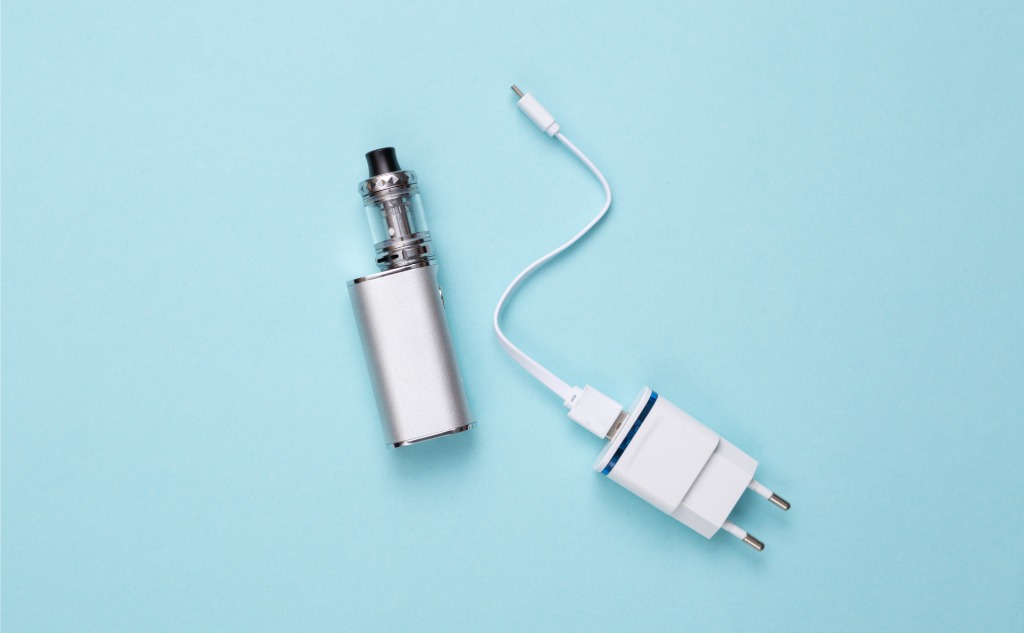
There is no charger in existence that will work right out of the box to recharge a disposable vape pen since disposable vape pens do not include a built-in charger. However, you can make almost any charger recharge a disposable vape’s battery with just a pair of scissors and a sharp knife.

6 Ways To Fix Not Charging Vape

6 Ways To Fix Not Charging Vape (Do This)

Before tossing your vape into the bin, here are some troubleshooting steps that you can apply and fix the not-charging issue: verify that the vape itself is the problem, try an external battery charger, replace your mod’s batteries, adjust the vape’s connection plate, get out your soldering iron, and replace your vape.

Phone Battery Too Hot to Charge: How to Fix?

Cell Phone Battery Too Hot to Charge? (11 Tips)

Overheating and extreme temperatures can do more to your phone than make it temperamental until it cools down. It can cause long-term damage that will cost you money and destroy data such as contacts and photos. You can cool down your phone in a variety of ways, from closing all apps to the removal of the cover.

iPhone, iPad, or Mac Charger Turning Yellow: Why?

iPhone, iPad, or iMac Charger Turning Yellow: Why? (Do This)

Your iPhone or iPad charger is made of plastic. Plastic turns yellow when it is exposed to light, oils, open air, and other chemicals. The good news is your Apple charger turning yellow is not dangerous at all, which also explains why Apple hasn’t addressed this “problem” at all.

Best Color for Cell Phone: Which?

Best Color for Cell Phone: Which? (Everything to Know)

Choosing your cell phone color is not a trivial decision at all. Colors reflected from your phone actually distort the colors you see on your smart screen—that is unless your phone is black. Thus, black is a popular choice. But consciously or unconsciously, our choice of color is mainly making a personal statement.

International Unlocked vs. US Factory Unlocked Cell Phones

International Unlocked vs. US Factory Unlocked Cell Phones.

International unlocked phones and US factory unlocked phones are essentially the same but may differ in the frequency bands that signals are transmitted upon. Thus, if you want to use your phone overseas, you will need to check if it can operate on GSM bands, specifically, 850 MHz, 900 MHz, 1800 MHz, or 1900 MHz.

Fully Charging Phone: How Long?

Fully Charging Phone: How Long? (Everything to Know)

This is about the charging time your phone takes to fully charge its battery. For a modern phone, it’s somewhere between 30 minutes and 4 hours. So if you want to know how long it takes to fully charge your phone, then this article is for you. Let’s get started! How Long It Takes to … Read more