Discover tech tips and tricks, how-tos, and troubleshooting solutions for your tech. Learn how to keep your computer, laptop, tablet, or phone running smoothly.

Deleting Text Messages on Someone Else’s Cell Phone: How to?

How to Delete Text Messages on Someone Else's Cell Phone?

Unless both members of a text message have the same text removing app installed, and have agreed to share usage of it, it cannot be done. The only way to unsend a text message is to stop the message from being sent as it is happening. For example, by turning airplane mode on with almost unattainable speed.
6 Ways to Charge Vape Battery Without a Charger

6 Ways to Charge Vape Battery Without a Charger

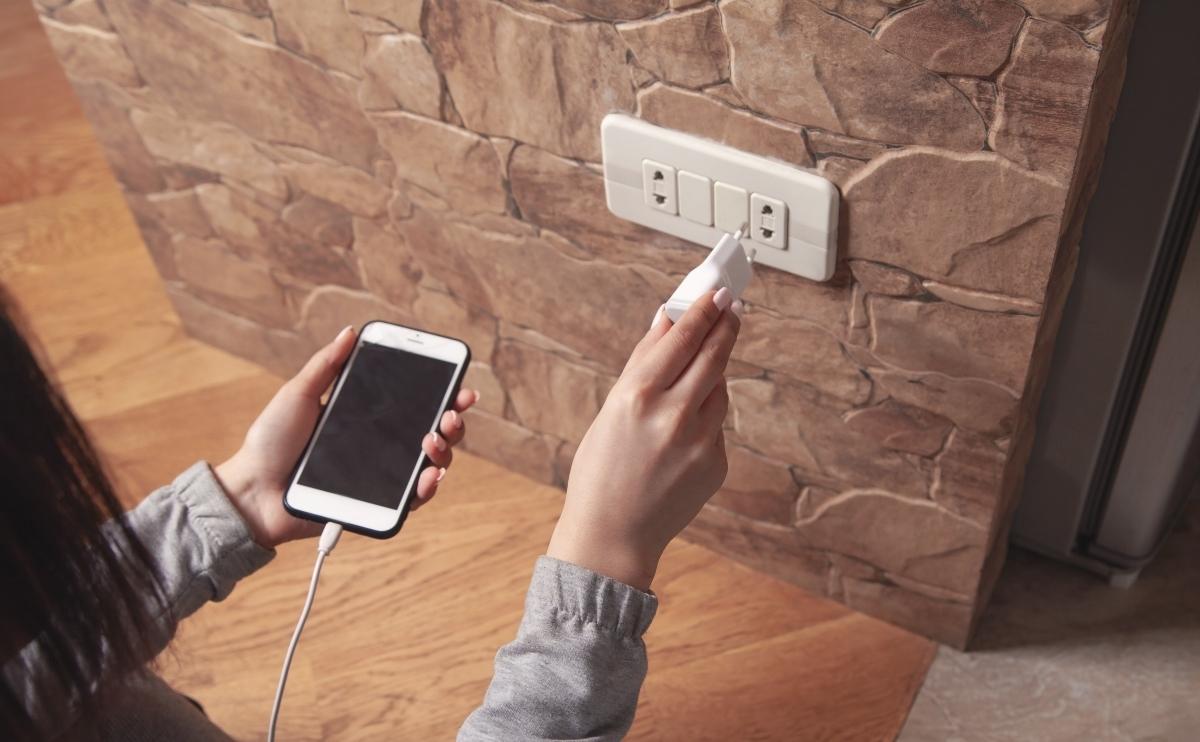
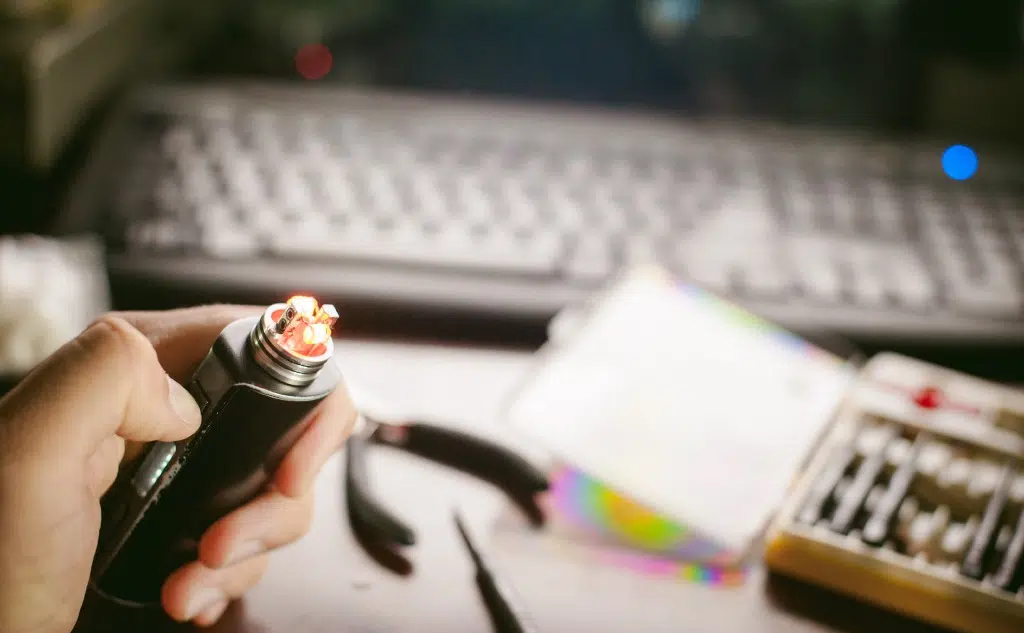
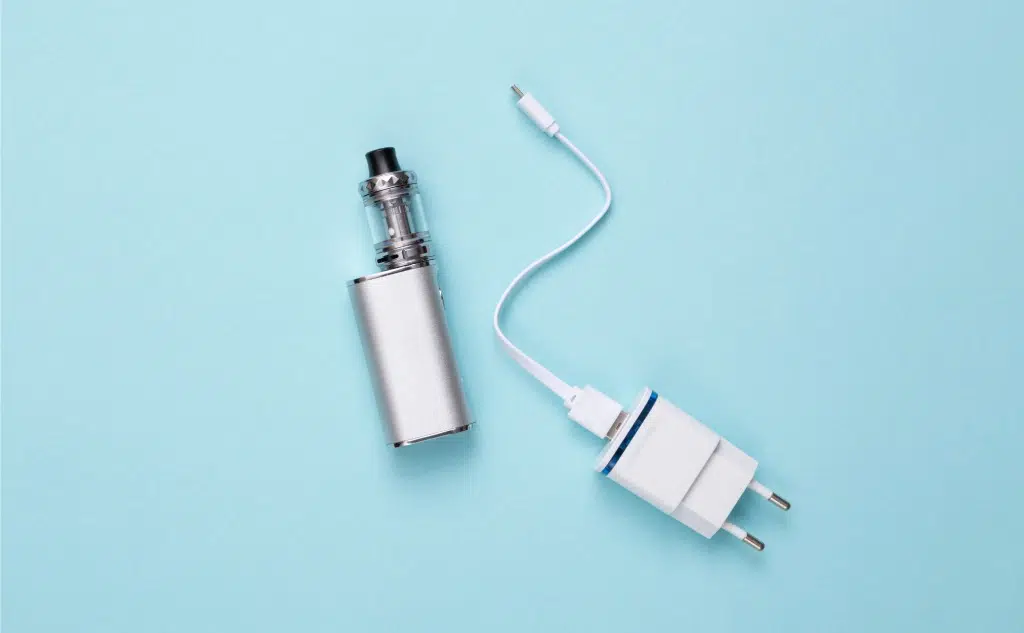
Whether you have lost your vape charger or broken it, you have 6 options to charge your vape without its original charger: use a phone charger, use a portable power bank, plug your vape into a desktop or laptop, use an external battery charger, replace your mods batteries, or charge your vape with a DIY charger.

6 Ways To Fix Not Charging Vape

6 Ways To Fix Not Charging Vape (Do This)

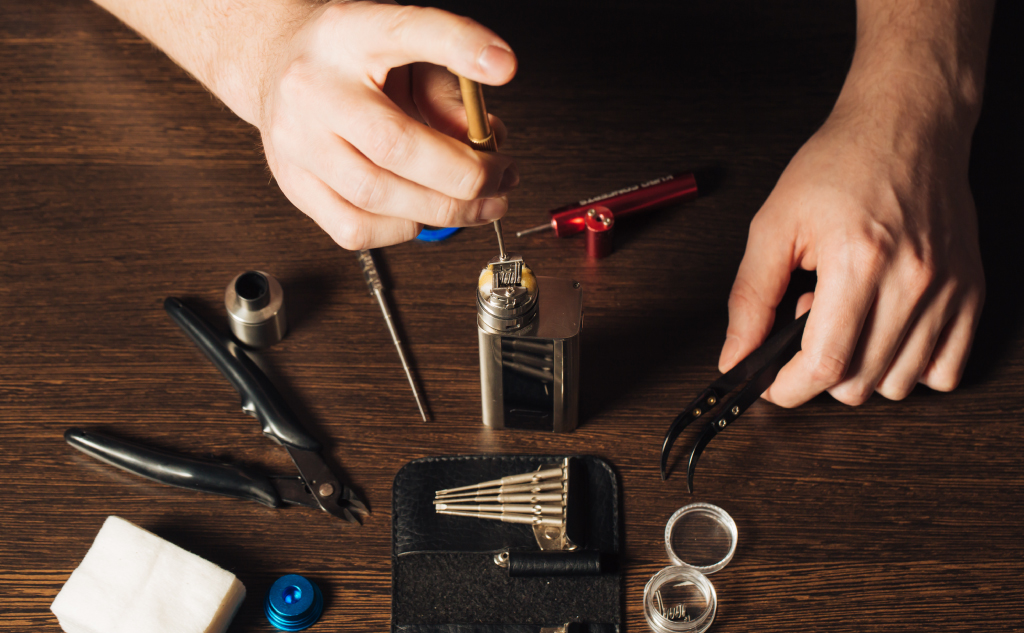
Before tossing your vape into the bin, here are some troubleshooting steps that you can apply and fix the not-charging issue: verify that the vape itself is the problem, try an external battery charger, replace your mod’s batteries, adjust the vape’s connection plate, get out your soldering iron, and replace your vape.

Computer Screen Turned Green: How to Fix?

Computer Screen Turned Green and Other Problems (How to Fix)

Here’s how to fix your computer screen when it turns green. From a loose cable to hardware failure. So if you want to learn all about why your screen turned green and how to fix it, then this article is for you. Let’s get started! How to Fix Common Computer Screen Problems? Technology is something … Read more

Phone Sending Texts on Its Own: How to Fix?

Does Your Phone Send Text Messages on Its Own? (Here's Why)

Malware is the main cause. Malware taking over your phone is one of the most common reasons why your phone might be texting on its own. It’s important to understand the basics of apps, malware, SMS, and phone settings app, and what their role is in helping to prevent your phone from sending text messages on its own.

Phone Battery Too Hot to Charge: How to Fix?

Cell Phone Battery Too Hot to Charge? (11 Tips)

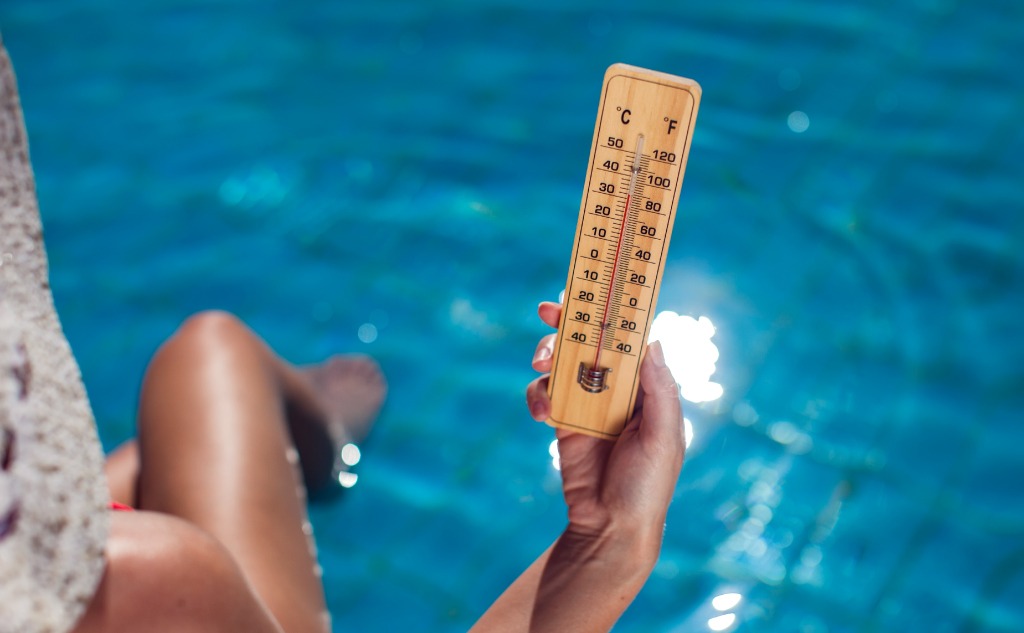
Overheating and extreme temperatures can do more to your phone than make it temperamental until it cools down. It can cause long-term damage that will cost you money and destroy data such as contacts and photos. You can cool down your phone in a variety of ways, from closing all apps to the removal of the cover.

Preventing Someone From Recording Your Phone Call: How To?

Recording Your Phone Call: How to Prevent Someone From It?

Technically, you can’t. But you can look into recording block apps to prevent someone from recording your calls. Or, contact a lawyer if you feel you were illegally recorded. However, the best thing that you can do is to take precautions and be wary of those you converse with over the phone or voice-calling apps.

iPhone, iPad, or Mac Charger Turning Yellow: Why?

iPhone, iPad, or iMac Charger Turning Yellow: Why? (Do This)

Your iPhone or iPad charger is made of plastic. Plastic turns yellow when it is exposed to light, oils, open air, and other chemicals. The good news is your Apple charger turning yellow is not dangerous at all, which also explains why Apple hasn’t addressed this “problem” at all.

Best Color for Cell Phone: Which?

Best Color for Cell Phone: Which? (Everything to Know)

Choosing your cell phone color is not a trivial decision at all. Colors reflected from your phone actually distort the colors you see on your smart screen—that is unless your phone is black. Thus, black is a popular choice. But consciously or unconsciously, our choice of color is mainly making a personal statement.

International Unlocked vs. US Factory Unlocked Cell Phones

International Unlocked vs. US Factory Unlocked Cell Phones.

International unlocked phones and US factory unlocked phones are essentially the same but may differ in the frequency bands that signals are transmitted upon. Thus, if you want to use your phone overseas, you will need to check if it can operate on GSM bands, specifically, 850 MHz, 900 MHz, 1800 MHz, or 1900 MHz.

Network Access Denied: Wi-Fi Denies Access to Phone?

Network Access Denied: Wi-Fi Denies Access to Phone?

Here’s why a Wi-Fi network denies access to your cell phone: Getting the Network Access Denied error means your phone is not connecting to the Internet. There are various reasons why you are getting denied access to a network. It might be a wrong password, a clogged-up phone browser, or it can be a more … Read more

Should You Answer Unknown Numbers?

Should You Answer Unknown Numbers? (+ Vital Facts)

This is whether you should answer unknown numbers. It depends on the situation, but in general, you should not answer an unknown caller. So if you want to know if you should answer an unknown number in your case, you’re in the right place. Let’s jump right in! In General, It’s Better to Avoid Answering … Read more

Sending Texts or Making Calls From Your Phone Number: How?

Sending Texts or Making Calls From Your Phone Number: How?

The answer is yes and this is called spoofing. When done with text messages, is known as SMS spoofing. It’s not that the other person is sending an SMS text message from your specific phone. Instead, they are sending a message that appears to come from your phone and phone number.