Discover tech tips and tricks, how-tos, and troubleshooting solutions for your tech. Learn how to keep your computer, laptop, tablet, or phone running smoothly.

Charging New Phone Before Using: How Long?
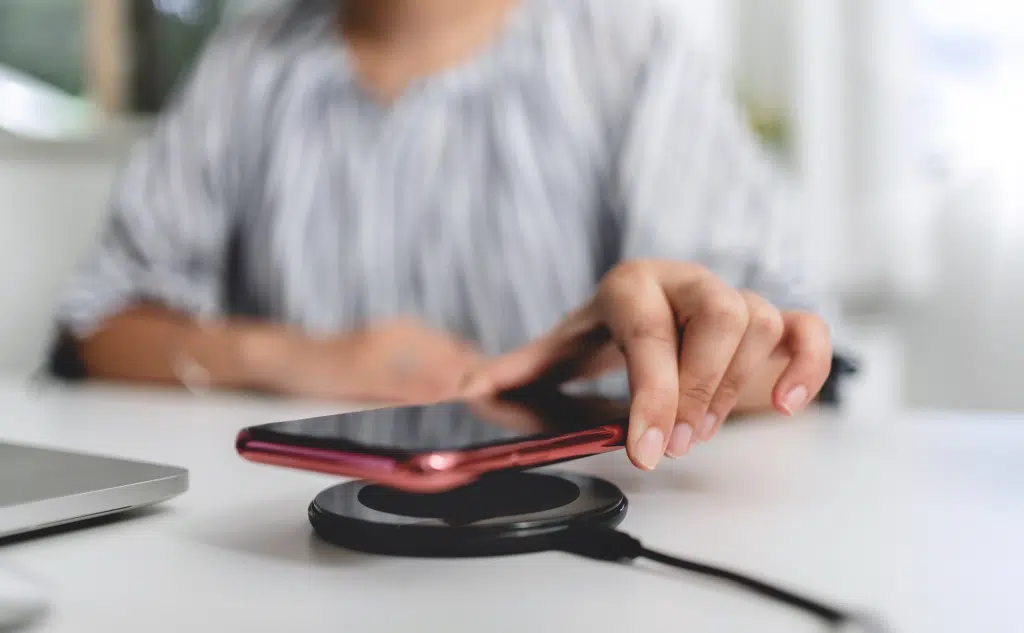
Charging New Cell Phone Before Using It: How Long? (Do This)

It is perfectly fine to use a modern phone as soon as you receive it or take it out of a box. Older battery technology required significant charging before it was ready for use, but that has not been the case for several years now. A new phone is fine to be used or charged as you see fit from the moment you get it.
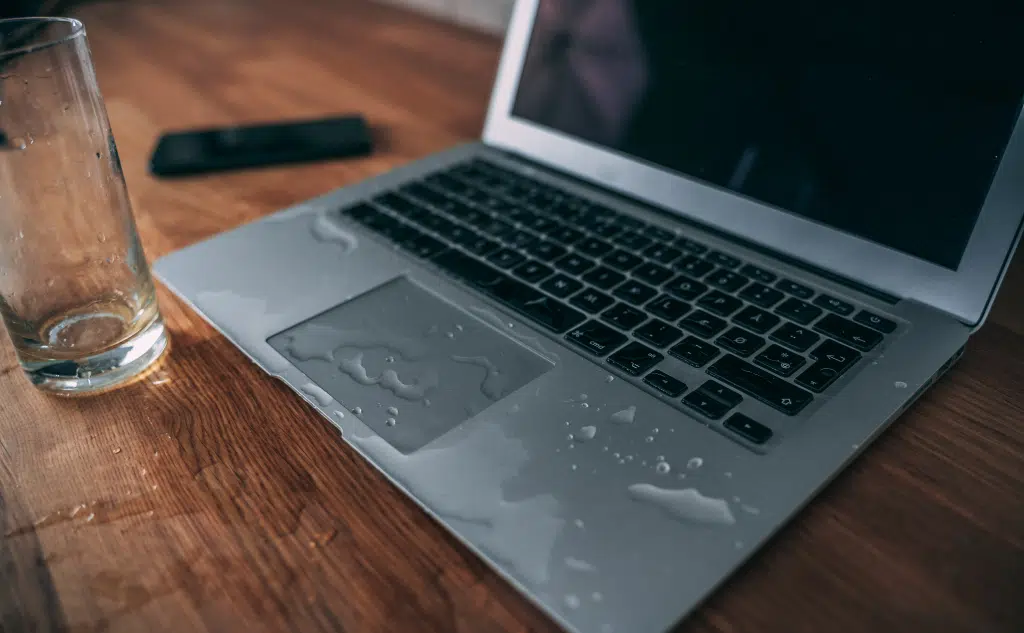
Spilled Liquid on Laptop Touchpad: What to Do?

Spilled Liquid on Laptop Touchpad: What to Do? (Act Fast)

If you spill a liquid on your laptop, turn it off and unplug it from power as quickly as you reasonably can. It usually takes time for water to damage a laptop, and there is a fair chance that you can turn it off before that happens. After the computer is off, leave it off until you can address the spill thoroughly.

Laptop Screen Turned Green: How to Fix?

Laptop Screen Turned Green: How to Fix? (Everything to Know)

A lot of different issues can cause a laptop screen to turn green. A number of hardware components can fail or malfunction and leave you with the screen until they are repaired or replaced. Similarly, software problems can sit at the root of the issue. You have to determine the cause to find the right fix.

Checking Files Copied From Computer: How To?

Checking if Files Were Copied From Computer: How To?

The only way to be certain of whether a file was copied or not is to have a file monitoring system in place before the copy is made. Without such a system, you can use native resources to try and guess whether or not a copy was made, but you won’t know for sure. Truly knowing requires preemptive measures or guesswork.

Reusing Amazon Prime Envelopes: How to?

Reusing Amazon Prime Envelopes: How to? (Don't Do This)

In general, it is perfectly fine to reuse Amazon Prime envelopes for additional shipments, and they will often perform quite well at the job. In order to do it, you will need to remove any previous shipping information to avoid confusion with the new shipment. You should also ensure that the old envelope is undamaged.

Laptop Brands With Most Durable Hinges: Which?

Laptop Brands With Most Durable Hinges: Which? (6 Brands)

Hinge durability really depends on the model more than the brand. Most major computer manufacturers make a wide variety of computers intended for specific use cases. If you want tough hinges, then the best bet is to invest in a computer classified as a “rugged laptop,” which most major manufacturers produce.

Access Old Phone Number: How to?

Access Old Phone Number: How to? (Do This ASAP)

The easiest thing to do is not worry about your phone number and use other resources available from whoever runs the account. Usually, you can use email accounts, backup phone numbers, security questions, and other things to prove yourself. If you absolutely need the old phone number, contact your carrier for help.

Changing Baseband Version on Android: How To?

Changing Baseband Version on Android: How To? (Best One?)

The easiest way to change your baseband version is to run your updates. Baseband updates are included in standard Android updates, so you don’t have to do anything special to make it work. If you want to manually change baseband versions, you have to download the version you want and flash the phone.

Back up TikTok Drafts: How To?

Back up TikTok Drafts: How To? (Android Phone & iPhone)

You can back up a TikTok draft to the camera roll or gallery of your phone by using the private publishing feature within the app. To back up the draft to the cloud or a different device, you have to first move it to your camera app and then back it up from there. TikTok doesn’t back up drafts on their servers.

Muted on Phone: How Do You Know?

Muted on Phone: How Do You Know? (Input or Output)

Depending on the app, there are various chimes, audio cues, and visual aids that let you know when you or another person is muted. On plain old telephone calls, you often don’t have a direct indicator to let you know when you have been muted. In these cases, you have to use context clues to determine what happened.

On Their Phone When Calling Them: How to Know?

On Their Phone When Calling Them: How to Know? (Do This)

You might get an indicator, like a busy signal or a chime that lets you know the number you dialed is in use. On the other end, you can get a call waiting beep or similar indicator. You also might not get any notification, which would require you to deduce the call status by thinking about how calls work.

Phone Charger Gets Wet: What to Do?

Phone Charger Gets Wet: What to Do? (Don't Do This)

If your charger gets wet, the first thing you want to do is unplug everything and remove all sources of power. Once there is no power, try to dry the device as best you can. After that, you still need to let it air dry for at least 48 hours before you test the charger to see if it still works.

Omegle on Phone: How to Use?

Omegle on Phone: How to Use? (+ 9 Alternatives)

Omegle does not have an up-to-date app that is designed for Android or iOS phones. In order to use it, you have to implement a workaround that takes advantage of the original Omegle web app. For this, you need to install a browser on the phone that is known to work, or you can try an alternative app.

Website Works on Phone, Not on Computer: How to Fix?

Website Works on Phone, Not on Computer: How to Fix?

Most of the time, it’s because of an issue that is local to the computer, such as not having internet access. There are specific differences between using a phone and a computer that could cause a website to only load on one device. It can come down to the site’s design, your browser, and how the device connects.

Someone Hangs Up on You: What to Do?

Someone Hangs up on You: What Should You Do? (Don't Do This)

Here’s what you should do when someone hangs upon you: Call them back if you think the disconnect was unintentional. If you are confident that they hung up on you on purpose, you will have to gauge whether or not a fast redial would be productive.  If not, you can consider sending a text or … Read more

Spilled Water On Laptop: Won’t Turn On?

Spilled Water On Laptop: Won't Turn On? (+ How to Fix It)

Here’s what to do if you spilled water on your laptop, and it won’t turn on: If you spill water on a laptop, and then it won’t turn on, you can safely assume that the laptop is damaged. The parts need to be diagnosed individually to determine what needs replacing in order to fix the … Read more