Constant Charging Laptop: Damages Battery?

Constantly Charging Laptop: Damages Battery? (Do This)

In the vast majority of cases, constantly charging your laptop does not harm the battery. In fact, more often than not, this practice actually extends the battery’s lifespan for the laptop, and it can help boost laptop performance. The only major concern is heat buildup, so make sure your laptop has good airflow.

Frequently Charging Laptop: Damages Battery?

Frequently Charging Laptop: Damages Battery? (Do This)

Usually, frequently charging your laptop will not damage the battery or cause any major problems that you need to know about. Frequent charging does have a set of pros and cons, but when it comes to the battery, frequent charging often extends the battery’s lifespan. For the most part, you can charge whenever you want.

Constantly Charging Phone: Damages Phone Battery?

Constantly Charging Phone: Damages Phone Battery? (Do This)

For the most part, constantly charging a phone does not damage the battery. Most manufacturers suggest that you can charge the phone however you like, and it will be just fine. In fact, constant charging can extend your battery’s life in many cases. The only real concern is avoiding charging in high temperatures.

Frequently Charging Phone: Damages Phone Battery?

Frequently Charging Phone: Damages Battery? (All the Info)

For the most part, frequent charging is not an issue for modern phones with lithium-based batteries. Charging behavior does impact your battery’s lifespan, but the exact ways depend on how you use the phone and what kind of battery you have. You can research best practices for your specific battery.

Dropping Phone: Affects Phone’s Performance? 

Dropping Phone: Affects Phone's Performance? (All the Info)

In the majority of cases where a phone is dropped, the device is just fine, but it is possible for a drop to damage a phone and affect its performance. These performance differences can range from bricking the phone to cracking the screen to other problems. Ultimately, a lot can go wrong, even if it’s usually fine.

Data Storage Full: Slows Down Computer?

Data Storage Full: Slows Down Computer?

Yes. No matter what kind of device your computer uses for its primary data storage, if that storage is full enough, it will bog down your computer’s performance. In extreme cases, your computer will slow down to a point that makes it feel completely unusable. Fortunately, there are remedies to the problem.

Sophos Slows Down Computer: True?

Sophos Slows Down Computer: True?(Everything to Know)

Sophos can slow computers down, but that won’t always be the case. As a security software suite, it performs a lot of tasks, and if it is working hard on a computer that doesn’t have resources to spare, you’ll experience slowness. If Sophos doesn’t overtax your system, then you’ll never experience a problem.

Trend Micro Slows Down Computer: True?

Trend Micro Slows Down Computer: True? (Everything to Know)

Trend Micro certainly can slow down a computer, but that won’t always be the case. The performance impacts depend on how powerful your computer is, what services Trend Micro is running and how many security threats are being detected. You can customize your experience for better performance if needed.

External Hard Drives or SSDs on USB Hubs: Working?

External Hard Drives or SSDs on USB Hubs: Working? (Depends)

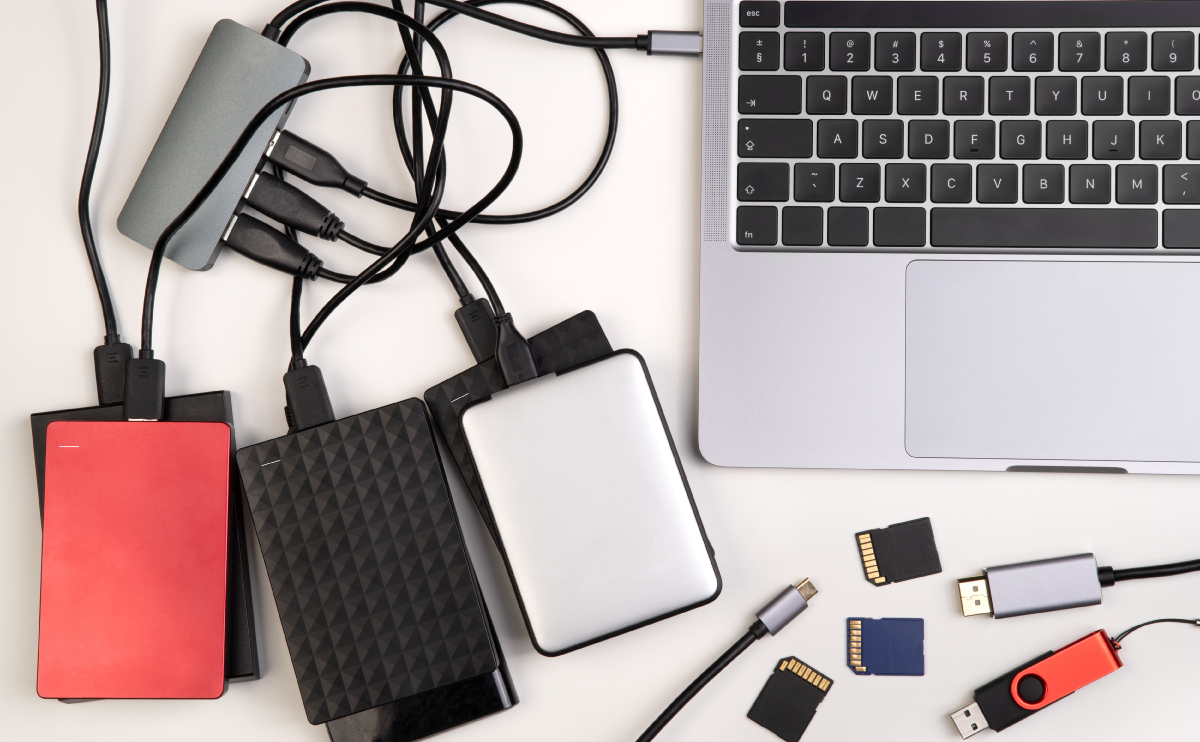
Generally speaking, you can use external drives with USB hubs without any issues, but there are things to consider. The hub has to provide enough power for the devices you attach to it, and if you are not using Windows, you’ll want to double-check compatibility. If those hurdles are cleared, it will work fine.

Laptop’s CPU Reaching 80-90+ Degrees: Safe?

Laptop's CPU Reaching 80-90+ Degrees: Safe? (It Depends)

On average, operating a consumer-grade CPU between 80 and 90 degrees Celsius is pushing the limits of safe temperatures. The exact safe temperature threshold depends on the model of the processor and the setup of the whole computer. As a rule of thumb, temperatures below 85 degrees Celsius are safe and sustainable.

1920×1080 vs. 1600×900: The Better Resolution?

1366x768 vs. 1920x1080: The Better Resolution? (All to Know)

Of the two resolutions, 1920×1080 is the better resolution, as it has more pixels on the screen. In general, fitting more pixels per square inch into an image improves the clarity of the picture. This is especially obvious when you are able to zoom in on or scale up an image. The higher pixel count becomes evident.

Laptop Has Two Graphics Cards: Why?

Laptop Has Two Graphics Cards: Why? (Everything to Know)

There are two likely reasons why a laptop would have more than one graphics card. The first is that there is an integrated GPU and a dedicated graphics card because it was the cheapest way for a manufacturer to meet specifications. The second is so the cards can work together for a dramatic performance upgrade.

Charging New Phone Before Using: How Long?

Charging New Cell Phone Before Using It: How Long? (Do This)

It is perfectly fine to use a modern phone as soon as you receive it or take it out of a box. Older battery technology required significant charging before it was ready for use, but that has not been the case for several years now. A new phone is fine to be used or charged as you see fit from the moment you get it.

Dropping Your Phone: What Happens?

Dropping Your Phone: What Happens? (Internal Damage?)

The short answer is, it depends. Many drops are harmless to phones, but some can be completely devastating. The different outcomes depend on how the phone is dropped, how it is designed, and what extra layers of protection might be at play.

Using Phone While Charging: Bad?

Use Phone While Charging: Bad? (+ Interesting Facts)

You can use your phone while it is charging, and it won’t hurt it. Recharging a battery reduces its lifespan, however. Modern devices use electronic controllers that stop charging the battery when it’s full, though. The current bypasses the battery and runs the computer directly.

Charging iPhone, iPad, or MacBook While FaceTime: Bad?

Charging iPhone, iPad, or MacBook While FaceTime? (Bad?)

Here’s whether using FaceTime and charging your Apple device (iPhone, iPad, or MacBook) at the same time is bad: FaceTime is notoriously power-hungry, and it drains the battery on an iPhone, iPad, or MacBook extremely quickly. Additionally, continuous use of the program accelerates the overall deterioration of the battery as well. So if you want … Read more