Drop Phone in Bath: Getting Electrocuted?

Drop Phone in Bath: Do You Get Electrocuted? (+ Vital Facts)

Here’s whether you get electrocuted if you drop your phone in the bath: In most cases, dropping a phone in a bath does not cause electrocution. That said, it is possible for deadly electrocution to occur.  More importantly, the danger is considerably higher if the phone is plugged into a wall outlet as opposed to … Read more


Changing SIM Card Without Turning Off Phone: Safe?

Changing SIM Card Without Turning Off Phone: Safe? (+ Facts)

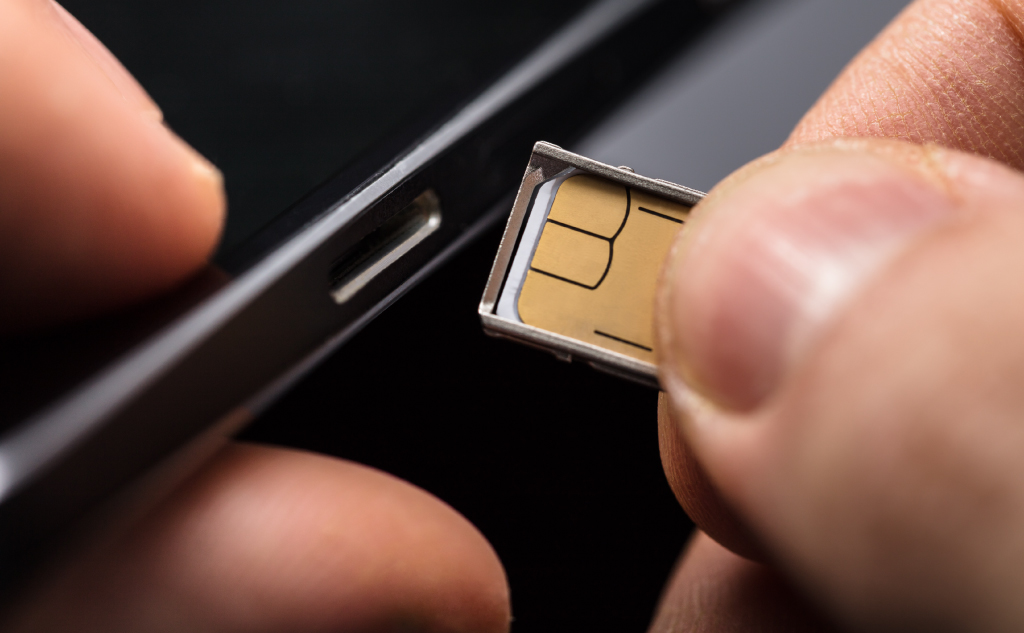
Here’s whether you have to turn off your phone to change the SIM card: New phones typically do not require you to power them off when you change the phone.  Older models with a removable battery normally do require you to turn the phone off.  If you’re not sure about your particular model, you can … Read more

Shower Steam: Damages Phone?

Shower Steam: Damages Phone? (Everything to Know)

Yes, steam can damage your phone. Even if your phone is rated as waterproof or water-resistant, it is possible for steam to get past those protective layers and still cause damage. Waterproof phones are at less risk from steam, but repeated steam exposure can shorten the life of any phone.

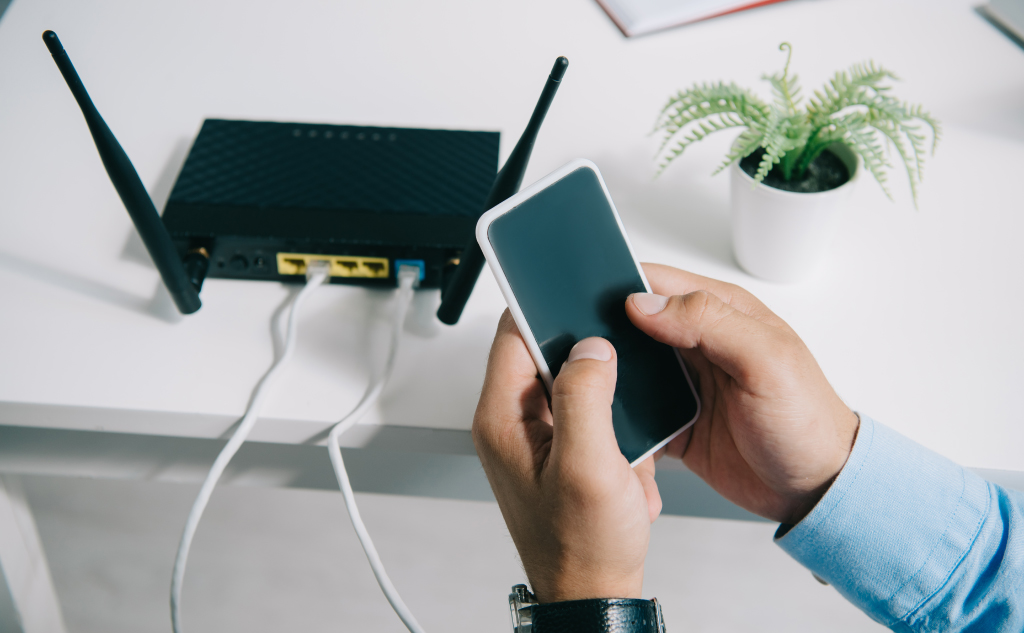
Router Lights Are All Green: No Internet?

Here’s why you don’t have internet but all the router lights are green and how to fix it: When this happens, the issue is usually not with the router, but you want to do thorough troubleshooting in order to be sure.  The best way to solve this problem is to isolate the source of the … Read more

Monitor USB Ports: Purpose?

USB Ports on Monitor: Purpose? (Everything to Know)

Here’s the purpose of USB ports on monitors: Primarily, these ports act as a built-in USB hub in your monitor. They allow you to connect additional peripherals, charge devices, connect media for playback and make it easier to set up your computer and workspace.  USB-C ports on a monitor offer even more functions. If you … Read more

TST on Credit Card Statement: Meaning?

TST on Credit Card Statement: Meaning? (All the Info)

Here’s what TST means on a credit card statement: So if you want to learn all about what TST is exactly, why they charge your credit card, and whether TST is safe, then you’re in the right place. Let’s get started! What is TST? f the letters “TST” appear on a credit card statement and … Read more

Billing Address: Must Match Name on Credit Card?

Billing Address: Must Match Name on Credit Card? (All Info)

Here’s whether the billing address must match the name on the credit card: Yes! In most cases, your billing name must exactly match the name on the credit card you use to make a purchase.  Spouses or other family members cannot use your card with just verbal authorization. So, check the name on the billing … Read more

Running Out of RAM on Your Computer: What Happens?

Running Out of RAM on Your Computer: What Happens? (+ Facts)

Here’s what happens when you run out of RAM on your computer: In general, your computer will run a lot slower. Applications are likely to freeze.  You might not be able to pull up new applications or navigate to already-open windows.  Sometimes, the problem can even cause your computer to crash. If you want to … Read more

2.4 GHz or 5 GHz Wi-Fi for Gaming: Which Is Better?

2.4 GHz or 5 GHz Wi-Fi for Gaming: What Is Better? (+ Facts)

Here’s whether a 2.4 GHz or 5 GHz Wi-Fi is better for gaming: Technically speaking, a 5 GHz connection should be faster in most scenarios. That said, there are enough variables at play that 2.4 GHz Wi-Fi can be the better choice. It comes down to connection speeds, interference, and range. If you want to … Read more

Android Phone Pausing Music & Video: How to Fix?

Android Phone Pausing Music & Video: How to Fix? (All Info)

Here’s why your Android phone keeps pausing music and videos and how to fix it: Most of the time, video or music will pause because your internet connection is too slow for the stream.  Other sources of pausing can come from splitting phone resources across too many apps, software issues, hardware issues, and having an … Read more

Hacking Phone’s GPS: How to?

Hacking Phone's GPS: Can You and How to? (Android & iPhone)

Here’s whether you can hack a phone’s GPS and how to: Technically, the answer is yes, not really as long as you don’t have full access to the phone. More specifically, the GPS location for an Android phone can be spoofed to mask the device’s location. Even then, it’s hard to do without some assistance … Read more

Getting Old Phone Number Back: How to?

Getting Old Phone Number Back: How to?

Phone companies and carriers own phone numbers. They are in charge of deactivating and reactivating them, along with recycling them. If you have an old phone number that you want back, contact your carrier. If your carrier can’t help, you might have to negotiate with the new person who has your old number.

Unblocking Phone From Wi-Fi Network: How to?

Unblocking Phone From Wi-Fi Network: How to? (2 Ways)

If your phone is being deliberately blocked from a Wi-Fi network, there are three primary ways around it. You can change your phone’s MAC address, you can spoof your phone’s MAC address, and you can also unblock your phone on the Wi-Fi router or ask the Wi-Fi router responsible to unblock you.

SIM Card Stolen: What Can Someone Do With Your SIM Card?

SIM Card Stolen: What Can Someone Do With Your SIM Card?

They can cause you a lot of problems. A stolen or hacked SIM card can be used to run up a phone bill, steal personal information, hack online accounts, steal your identity and even commit fraud. A stolen SIM card gives someone complete access to your phone line, which comes with many concerns.

Turning Phone Off During Update: What Happens?

Turning Phone Off During Update: What Happens? (Just Don't)

Well, you can’t exactly turn off a modern phone during an update. They have systems in place to prevent this. Those systems are around because interrupting an update can damage the software that runs the phone and render it inoperable.

Using One SIM Card With Two Phones: How to?

Using One SIM Card With Two Phones: How to? (+ Vital Facts)

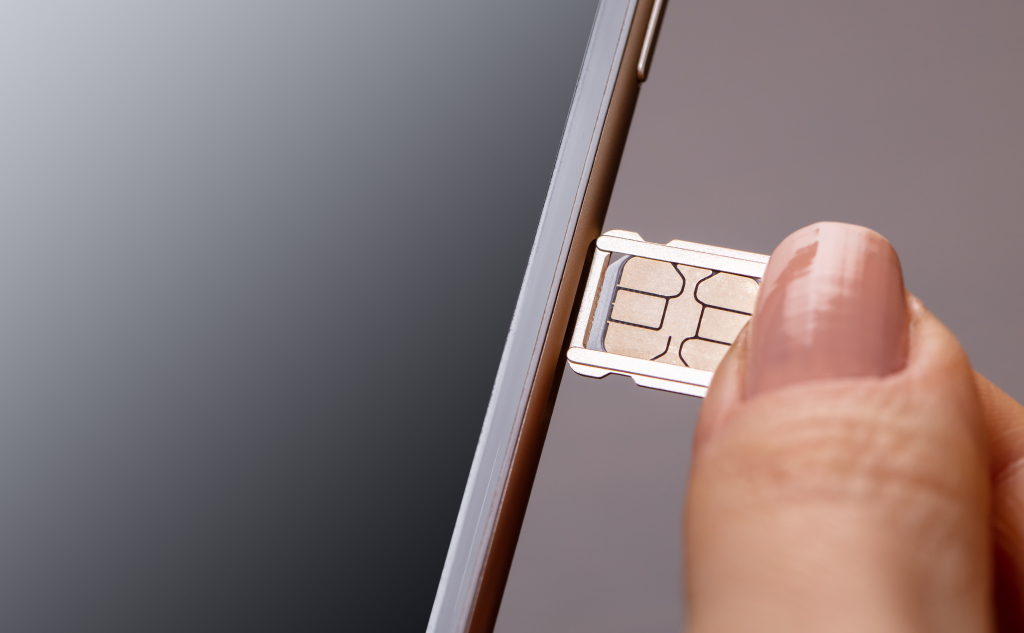
One SIM card cannot be used with two phones at once because it’s obviously physically impossible for one SIM to be in two devices. Even though it’s not a physical card, it’s not possible with an eSIM either. Nonetheless, you can usually use one SIM card with two phones by swapping the SIM card between them.