Take your tech knowledge dose and stay on top of everything tech related. From the history of robots to the main functions of the internet.

Active on TikTok: How to Tell if Someone Is?

Active on TikTok: How to Tell if Someone Is? (All the Info)

Using the built-in features of TikTok, you cannot reliably tell when someone is actively using the app. There is no status indicator or other feature that informs you of what other users are currently doing. There are ways to infer when someone is online, and there are workarounds that might prove enlightening.


Frequently Charging Laptop: Damages Battery?

Frequently Charging Laptop: Damages Battery? (Do This)

Usually, frequently charging your laptop will not damage the battery or cause any major problems that you need to know about. Frequent charging does have a set of pros and cons, but when it comes to the battery, frequent charging often extends the battery’s lifespan. For the most part, you can charge whenever you want.

Constantly Charging Phone: Damages Phone Battery?

Constantly Charging Phone: Damages Phone Battery? (Do This)

For the most part, constantly charging a phone does not damage the battery. Most manufacturers suggest that you can charge the phone however you like, and it will be just fine. In fact, constant charging can extend your battery’s life in many cases. The only real concern is avoiding charging in high temperatures.

Frequently Charging Phone: Damages Phone Battery?

Frequently Charging Phone: Damages Battery? (All the Info)

For the most part, frequent charging is not an issue for modern phones with lithium-based batteries. Charging behavior does impact your battery’s lifespan, but the exact ways depend on how you use the phone and what kind of battery you have. You can research best practices for your specific battery.

Dropping Phone: Affects Phone’s Performance? 

Dropping Phone: Affects Phone's Performance? (All the Info)

In the majority of cases where a phone is dropped, the device is just fine, but it is possible for a drop to damage a phone and affect its performance. These performance differences can range from bricking the phone to cracking the screen to other problems. Ultimately, a lot can go wrong, even if it’s usually fine.

Data Storage Full: Slows Down Computer?

Data Storage Full: Slows Down Computer?

Yes. No matter what kind of device your computer uses for its primary data storage, if that storage is full enough, it will bog down your computer’s performance. In extreme cases, your computer will slow down to a point that makes it feel completely unusable. Fortunately, there are remedies to the problem.

Sophos Slows Down Computer: True?

Sophos Slows Down Computer: True?(Everything to Know)

Sophos can slow computers down, but that won’t always be the case. As a security software suite, it performs a lot of tasks, and if it is working hard on a computer that doesn’t have resources to spare, you’ll experience slowness. If Sophos doesn’t overtax your system, then you’ll never experience a problem.

Scammers Use Your Signature: What Happens?

Scammers Use Your Signature: What Happens? (All the Info)

Having just a signature might not always be enough to run a scam, but with creativity and resources, there aren’t solid limits. With a signature, a scammer could steal money from you, take out credit in your name, defraud voting, steal your identity, and more. A stolen signature can partially unlock many doors.

Trend Micro Slows Down Computer: True?

Trend Micro Slows Down Computer: True? (Everything to Know)

Trend Micro certainly can slow down a computer, but that won’t always be the case. The performance impacts depend on how powerful your computer is, what services Trend Micro is running and how many security threats are being detected. You can customize your experience for better performance if needed.

Losing Internet While Updating Windows: Bad?

Losing Internet While Updating Windows: Bad? (All the Info)

In the overwhelming majority of cases, absolutely nothing will happen. You don’t need an active internet connection while installing Windows updates. If you lose your internet connection while downloading the update, then the process takes longer, as the download cannot complete until your internet is restored.

Changing Their Name on Snapchat: Do They Know?

Changing Their Name on Snapchat: Do They Know? (Know All)

Typically speaking, if you change the name of a contact on Snapchat, they have no idea that you have done it or what name you chose. This is a Display Name (or a nickname) that you can pick, and Snapchat does not alert users when these changes are made. They will only know about this if you show them.

Someone Blocked You on WhatsApp: Visible?

Seeing One Online on Whatsapp if Blocked by Them? (Know All)

In short, you cannot see whether someone is online on WhatsApp if they blocked you. Blocking is an exhaustive feature that aims to cut off all communication between a user and the person they block, and at the same time, it obscures the fact that a block occurred. You can’t see any updates or directly contact them.

WhatsApp Online: Visible if Blocked Them?

Seeing One Online on WhatSapp if Blocked Them? (Know All)

In short, no, you cannot see whether someone is online on WhatsApp if you blocked them. 
Similarly, they cannot see whether you are online or your last seen status when you block them. With WhatsApp, blocking is intended to obscure active and passive communication, making it difficult for people to interact even indirectly.

Amazon S3: Ever Lost Data Permanently? 

Amazon S3: Ever Lost Data Permanently? (Everything to Know)

Yes, Amazon S3 has permanently lost data. According to Amazon’s own numbers, the service likely loses small amounts of data every single day. That said, S3 provides robust data protection that outperforms the vast majority of similar services, and the rate of data loss is exceedingly small for any user.

Spam Accounts on Instagram: Why?

Spam Accounts on Instagram: Why? (Everything to Know)

The primary reason you will see a spam account on Instagram is that someone is trying to sell you something. More subtle approaches use spam accounts to try to drive traffic to certain content creators or content. Ultimately, bots can do a lot of different things on Instagram, and that variety pushes spam.

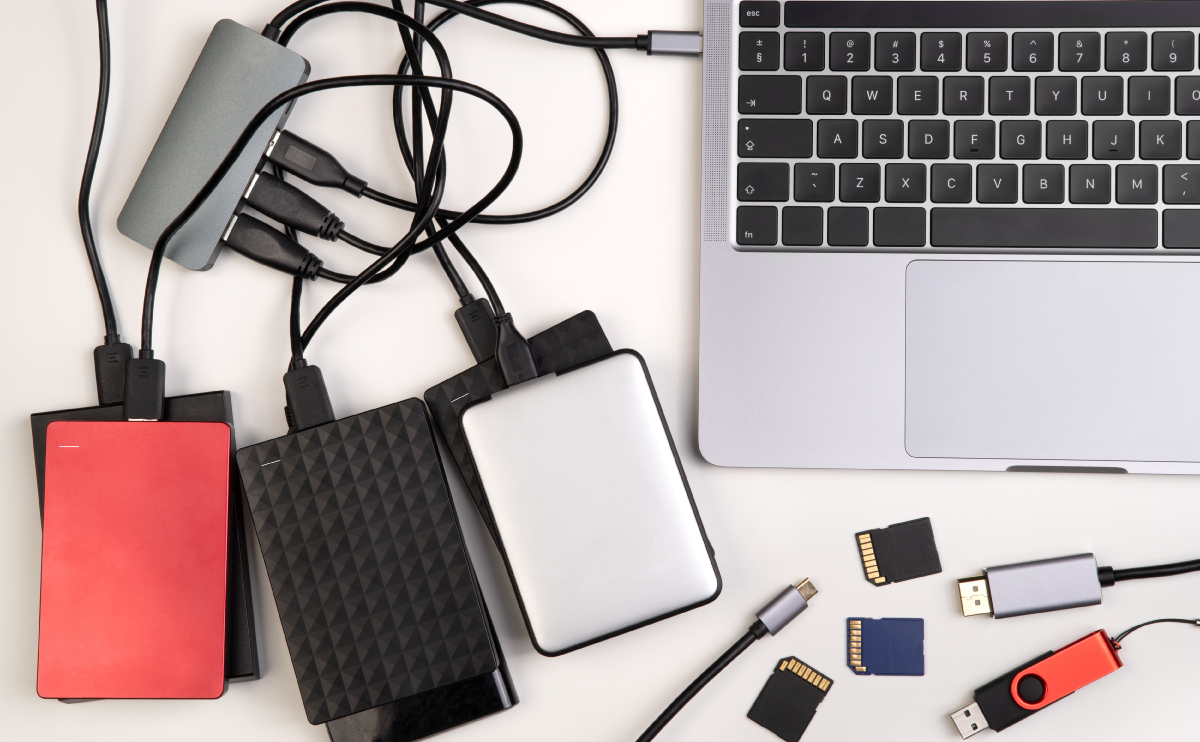
External Hard Drives or SSDs on USB Hubs: Working?

External Hard Drives or SSDs on USB Hubs: Working? (Depends)

Generally speaking, you can use external drives with USB hubs without any issues, but there are things to consider. The hub has to provide enough power for the devices you attach to it, and if you are not using Windows, you’ll want to double-check compatibility. If those hurdles are cleared, it will work fine.