Long Pause Before Phone Rings: Meaning?

Long Pause Before Phone Rings: Meaning? (+ How to Fix)

In general, this is a routing delay that happens. Basically, it takes longer than normal for your phone to be connected to the destination phone on the greater carrier network. There are a lot of different things that can cause this, ranging from simple account problems to coverage gaps to hardware and software issues.
Phone Battery Drains When Turned Off: Why?

Phone Battery Drains When Turned Off: Why? (+ Prevention)

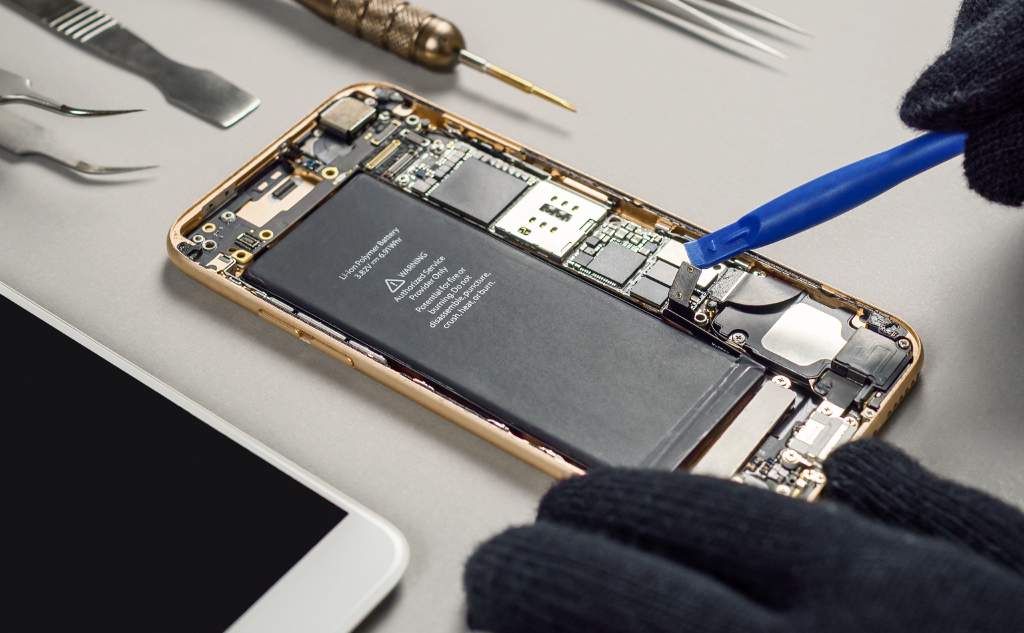
The reason that your battery drains even when the phone is off is that the battery is incapable of holding a charge forever. The raw physics of how batteries work forces them to slowly lose charge over time, even if they aren’t powering anything. This, the age of the battery and its environment all play a part.

Rotary Dial Phones: Do They Still Work?

Rotary Dial Phones: Do They Still Work? (+ Conntect to Cell)

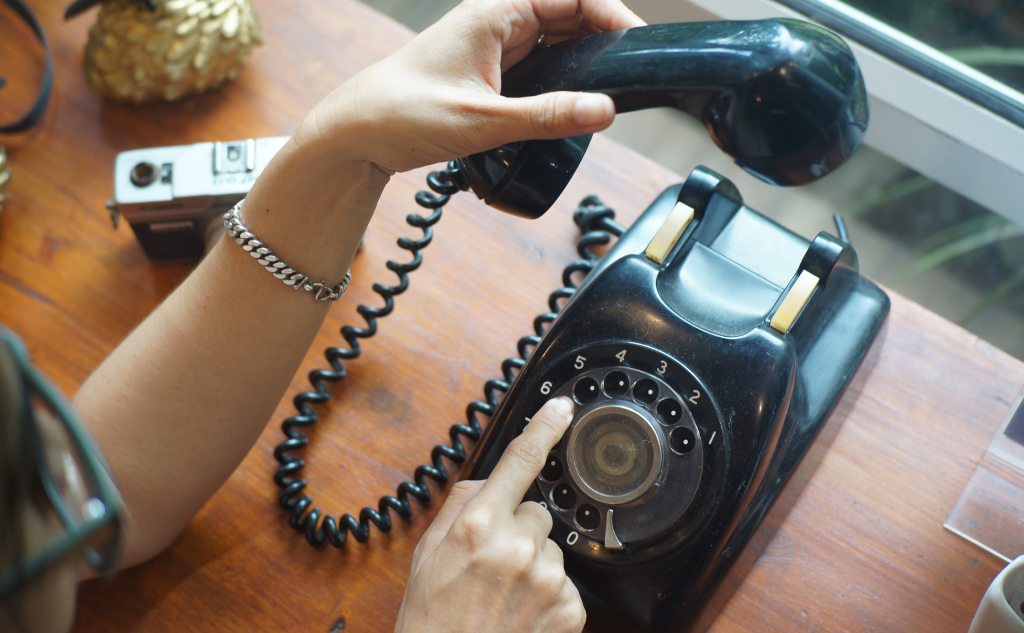
In general, rotary dial phones definitely still work, and you can even have one functioning in your home or office. The phone system that they used is still intact, so as long as you can connect to it, the phone will work just fine. There are also ways to connect rotary phones to digital networks and your smartphone.

Charging Phone During Thunderstorm: Safe?

Charging Phone During Thunderstorm: Safe? (Don't Do This)

In the vast majority of cases, you can charge a phone during a thunderstorm, and everything will be just fine. That said, any expert in the fields of electricity, telecommunications, and construction is likely to tell you that there is still a chance your phone could be damaged. The general recommendation is to unplug.

Dust or Hair Under Phone Screen Protector: Bad?

Piece of Dust or Hair Under Phone Screen Protector: Bad?

Here’s whether dust or hair under your phone screen protector damages your phone screen: For the most part, a small speck of dust will not harm your phone’s screen any amount. Hair is also usually harmless, but it is more visible and can disrupt your ability to take advantage of interactive visuals.  If either is … Read more

Phone Cases: Trap Heat & Make Phones Heat Up Faster?

Phone Cases Make Phones Heat up Faster? (Quite the Contrary)

In the vast majority of instances, phone cases do not trap heat enough to make phones run hotter than normal. In many instances, phone cases actually help the phones to cool off more effectively. It depends on the design of the phone and case being used, but it is rare for a phone case to cause a heating problem.

Phone Charger Gets Wet: What to Do?

Phone Charger Gets Wet: What to Do? (Don't Do This)

If your charger gets wet, the first thing you want to do is unplug everything and remove all sources of power. Once there is no power, try to dry the device as best you can. After that, you still need to let it air dry for at least 48 hours before you test the charger to see if it still works.

Leaving Phone Flashlight On: Bad?

Leaving Phone Flashlight On: Bad? (It's Safe)

In general, leaving the flashlight on, even for hours at a time, will not harm the flashlight itself or the phone. The flashlight can slowly contribute to battery drain, so if you have to do it for a long time, plug in the phone. In the long run, the flashlight will not cause any serious harm to the phone.

Laptop/Computer Restart: How Long Does It Take on Average?

Laptop/Computer Restart: How Long Does It Take on Average?

Here’s how long it takes to restart a laptop or computer on average: A true average is hard to define because computers are so varied in their performance.  Your software, hardware, computer age, and more can all make restart times slower or faster, comparatively.  A new, high-end computer can usually restart in under a minute, … Read more

Spilled Water On Laptop: Won’t Turn On?

Spilled Water On Laptop: Won't Turn On? (+ How to Fix It)

Here’s what to do if you spilled water on your laptop, and it won’t turn on: If you spill water on a laptop, and then it won’t turn on, you can safely assume that the laptop is damaged. The parts need to be diagnosed individually to determine what needs replacing in order to fix the … Read more

Cell Phone Lines Getting Crossed: Possible?

Cell Phone Lines Getting Crossed: Possible? (How to Prevent)

Yes, cell phone lines can get crossed even in the modern era. With modern, digital lines, you will not randomly hear different conversations while you maintain one connection. Instead, you can get randomly connected to the wrong person entirely, leading to a single wrong conversation instead of a mix of conversations.

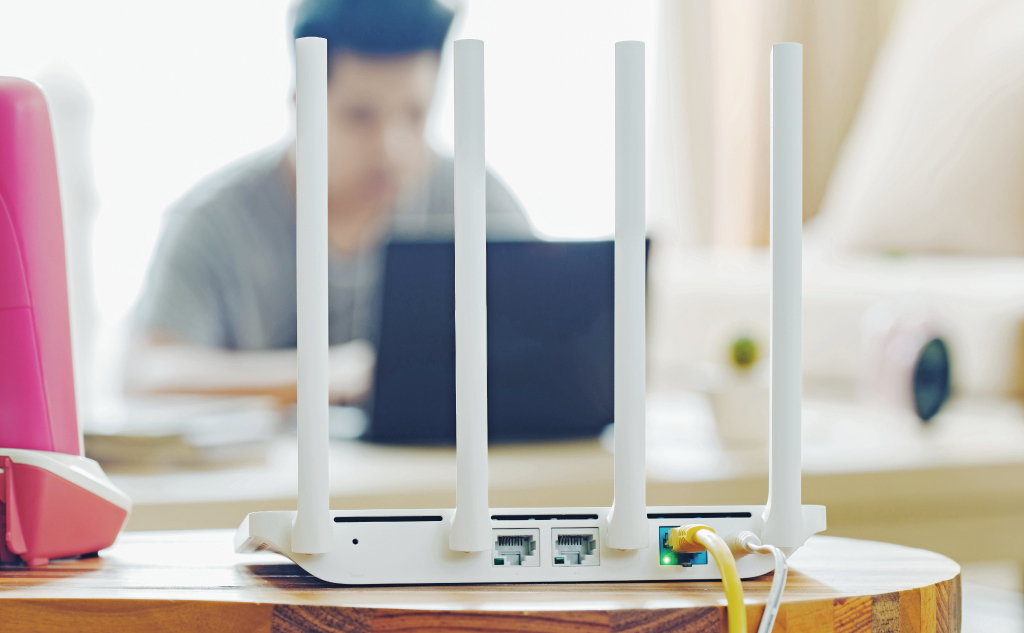
Using Phone SIM Card in Mobile Router: Can You?

Using Phone SIM Card in Mobile Router: Can You? (+ How to)

For the most part, yes. The SIM cards used in phones and mobile routers are physically and functionally identical. The mobile router will be able to read the SIM card just fine and use it, but that doesn’t mean that your phone plan is well-suited for mobile router applications.

Thinkpad Red Button on Laptop Keyboard: What Function?

Small Red Button Laptop Keyboard Middle: What For? (Its Use)

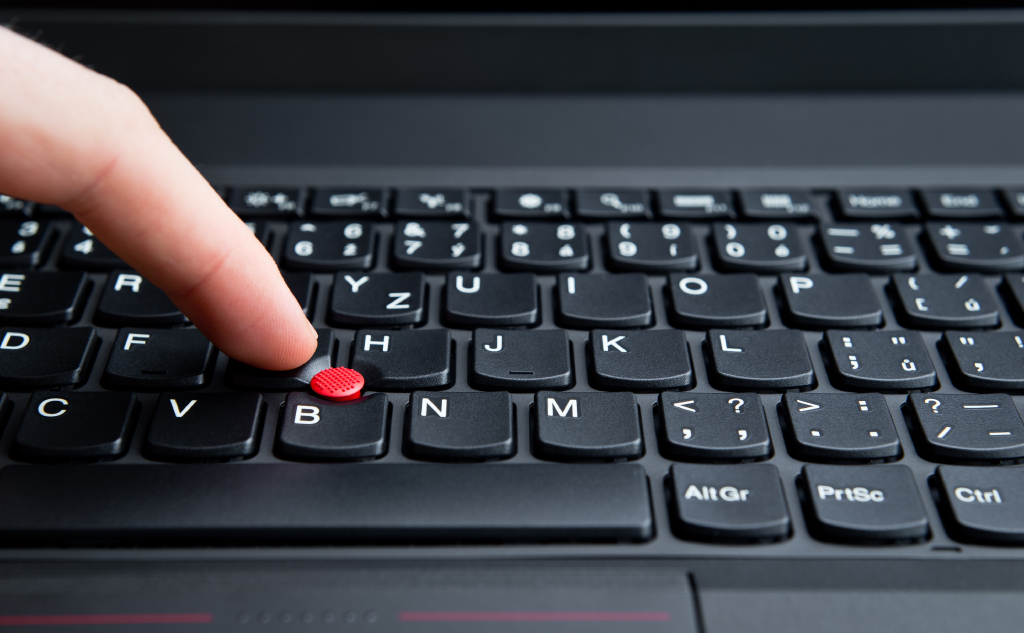
The red button is a mouse controller that is commonly used on laptops to save space on the keyboard part of the layout. Formally called a TrackPoint, this device allows you to fully control a mouse without the need for a trackpad. It was more popular in the past, but new laptops still utilize the feature.

Looking Fatter in Pictures Than in Mirrors: Why?

Looking Fatter in Pictures Than in Mirrors: Why? (Facts)

There are two reasons you might look fatter in a picture than in a mirror. The first is that cameras can distort images and make you look strange in the picture. The second is that seeing yourself in a photograph can induce a different psychological reaction as compared to seeing yourself in a mirror.

MAC Address: What Can a Hacker Do With It?

MAC Address: What Can a Hacker Do With It? (Don't Do This)

For the most part, a hacker can’t do a lot with your MAC address. They can pretend to be you on the network, which is likely to be annoying more than dangerous. But, if they get the MAC address to a router, they can spoof the network and potentially steal all kinds of information while you browse the internet.

Charging Kindle With Phone Charger: How to?

Charging Kindle With Cell Phone Charger: How to? (+ Other)

If you can find a phone charger with a micro USB connection, simply plug it into the Kindle and the wall. If your phone uses a different connector, you can use an adapter or a micro USB cable. Either will allow the Kindle to plug into the wall charger for your phone, and it will work.