Most Expensive Computer Parts For Building a PC?

Building a PC: Most Expensive Computer Parts? (10 Parts)

Usually, the most expensive parts of a consumer-grade computer are the graphics card and motherboard. Ultimately, you can find very expensive versions of any component, so the parts you choose will have the biggest impact on how much they cost.


Xbox Controller Button Letters: Meaning?

Xbox Controller Button Letters: Meaning? (All the Info)

There is no clear meaning behind the Xbox controller buttons, with the exception of “L” and “R” buttons on the shoulders of different versions of the controller. Those reference the right and left side of the controller when holding it. The history of the other buttons stems from controllers predating the Xbox.

Installed Graphics Card: PC Won’t Boot?

Installed Graphics Card: PC Won't Boot? (How to Fix)

In order to fix a computer that won’t boot after installing a graphics card, you have to isolate the core issue. It could be a hardware problem with the graphics card. It could be a software or software controller problem. It could also be a compatibility or power draw issue. Finding the problem is the challenge.

ISPs Not Monopolies: Why Though?

ISPs Not Monopolies: Why Though? (Everything to Know)

For the most part, there are two reasons why an internet service provider isn’t broken up for being a monopoly. One reason is that there really is competition, so antitrust laws don’t technically apply. The other reason is that the ISP might be considered a utility or a type of protected monopoly.

Turned Off iPhone Location Sharing: How to Know?

Turned off Location to Stop Sharing: How to Know? (iPhone)

If you can’t see someone’s location in the Find My app, it could be because they turned off their location services data or location sharing. In this case, their name will disappear under the “People” tab in the app. It’s also possible that the phone is currently off or without any internet access available to it.

Charging Dead Kindle: How Long?

Charging Completely Dead Kindle: How Long? (All the Info)

For standard charging, most Kindle versions can go from a dead battery to completely full in five hours or less. With a fast charger, fast wireless charger, or any other charger that speeds up the process, a dead Kindle can be charged in as little as 2.5 hours. It depends on the version of Kindle and charger.

Normal Temperature of Android Phones and How to Check It?

Android Phone Temperature: What Is Normal? (3 Cases)

The safe operating temperature range for most Android phones is between 32 and 95 °F (0 and 35 °C). Any time your phone is between these temperatures, it can be considered normal. Another way to think about it is that the phone should never burn or freeze you, so anything between freezing and your body temperature is fine.

Mesh Wi-Fi: Reduces Internet Speed?

Mesh Wi-Fi: Reduces Internet Speed? (4 Things to Know)

Generally speaking, mesh Wi-Fi does not reduce your effective connection speeds. Because mesh is so good at improving the physical range of your Wi-Fi, it can actually make your connection faster by getting rid of dead spots. That said, mesh networks can split the connection enough to create slowdowns.

Quantum Computing: Uses Binary?

Quantum Computing: Uses Binary? (Everything to Know)

No, quantum computers do not use binary. What makes quantum computers so powerful is that they can process more than two fundamental signals at a single type, meaning they can understand more than just 1s and 0s. That allows them to scale exponentially, and quantum computers have overwhelming potential.

Polaroid Pictures: Safe to Cut?

Polaroid Photos: Safe to Cut? (Everything to Know)

Generally speaking, it is safe to cut Polaroid pictures. You will not risk harm to yourself or the immediate environment around you. But, cutting into a Polaroid picture will expose the internal components to air, and that exposure can significantly shorten the overall lifespan of the Polaroid picture.

ISP Blocking Ports: What to Do?

ISP Blocks Ports: What to Do? (5 Things)

There are many things you can do, depending on how the port is being blocked. You can change router or firewall settings to unblock the port. You can contact your ISP to have them unblock it, or you can even mask the port with something like a VPN to trick your ISP into giving you the access you want.

ISP Blocking Port Forwarding: How to Know?

ISP Blocks Port Forwarding: How to Know? (Do This)

An ISP can only block port forwarding if they control your router, so this is only an issue if they provided the router that you use. When that is the case, you can log into the router and look at the port forwarding settings. If you can’t see those settings, then the safe assumption is that port forwarding is blocked.

Losing Data: Changing RAM, Motherboard, or CPU?

Changing the RAM, motherboard, or CPU does not inherently damage any data on your computer. But, when you change components on a computer, it is sometimes necessary to reinstall the operating system, and that can put data at risk. Moreover, the data risks attached to each of these changes vary considerably.

Borderless Windowed vs. Full-Screen: Gaming Performance?

Borderless Windowed vs. Full-Screen: Gaming Performance?

Overall, gaming in full-screen mode will give you better performance than in borderless windowed mode. However, full-screen mode comes with some downsides that you might not be willing to live with. In particular, accessing apps and functions outside of the active gaming window is much easier outside of full-screen mode.

M.2 NVMe SSDs: Two or More Affect Performance?

M.2 NVMe SSDs: Two or More Affect Performance?

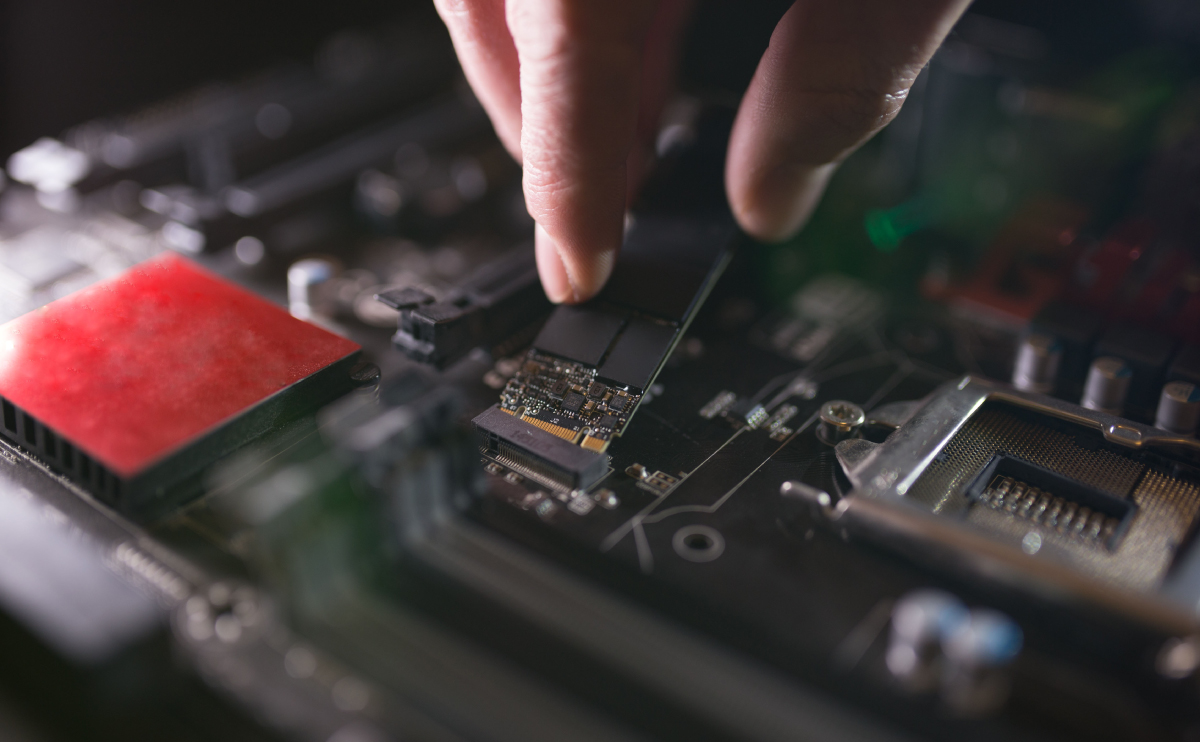
Installing M.2 NVMe SSDs definitely impacts the performance of the computer. If you are upgrading from slower drives, then things will run considerably faster. If you’re adding drives, then eventually, too many M.2 drives can hog resources and slow down the general performance of the computer.

MacBook Clamshell Mode Constantly: Safe?

MacBook Clamshell Mode Constantly: Safe? (All the Info)

In most cases, you can leave your MacBook in clamshell mode without any problem. Apple has designed MacBooks to work with clamshell mode, so there is very little risk in leaving your Mac in this mode. Just make sure your MacBook doesn’t get too hot if you’re performing resource-intensive tasks.