Here’s why Google thinks you’re in another state:
Google can get your location wrong because they use your IP address.
If the ISP is in the same state we are in, we get location services for that state.
But sometimes, smaller ISPs use the services of larger ISPs that are in different states.
So, we get an IP address from another state, and Google thinks we are there.
So if you want to learn all about why sometimes Google can’t pinpoint your location accurately, then this article is for you.
Let’s get started!
- Turned Off iPhone Location Sharing: How to Know?
- Location Sharing: Stops When Phone Battery Dies?
- Hacking Phone’s GPS: How to?
- Snap Map Location: Disappearing if Phone Dies or Inactive?

Is Google Only as Good as the Information It Gets?
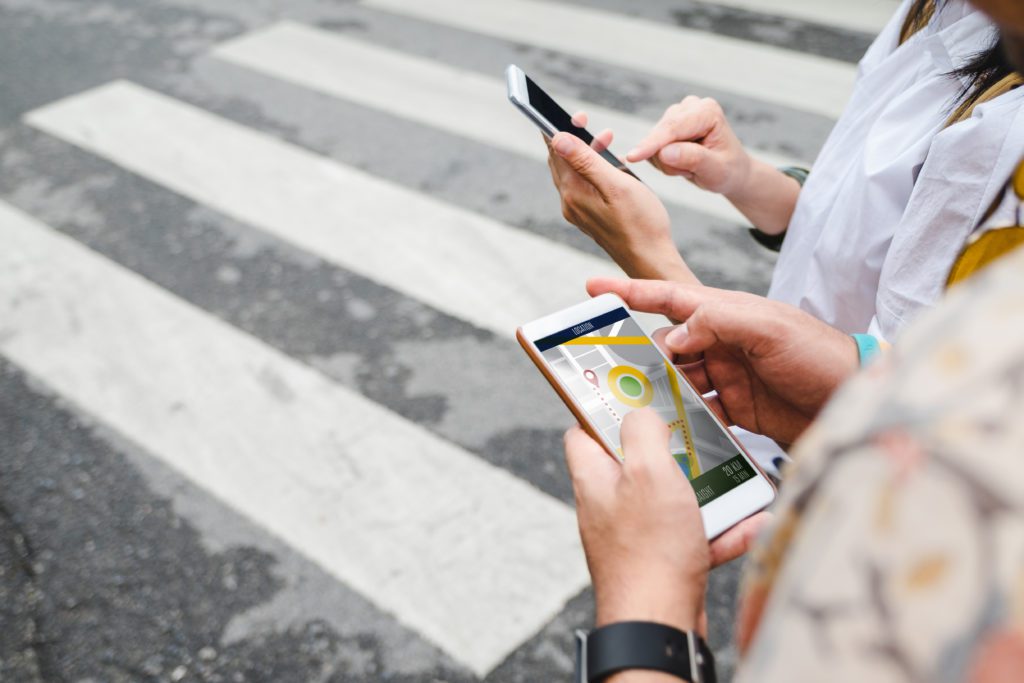
Some of us like to remain anonymous in the eyes of Internet giants, but some appreciate location-based services provided by Google.
Location services use our geographical data in actual time for different purposes.
It can either be for entertainment, information, or security.
When we speak about location-based services, we mainly speak about mobile devices.
Think about Uber, Google Maps, Facebook Places, etc., which all use our location to provide a service.
To get an Uber, we need to activate our location tracking.
To use Google Maps for navigation, we need to provide our physical location.
Location-based services use our device’s GPS (Global Positioning System) to locate us.
These services use geolocation data from our smartphones.
Because of that, we don’t need paper maps, and we don’t need to buy newspapers.
Instead, we get everything on our device based on our location.
So, how do location services work?
How Do Google Location Services Work?
There are a few ways to determine the geographical location of a mobile device.
With smartphones, it’s fairly easy since we can choose to turn on or turn off our location services at any point.
There’s another way to determine a location.
Using a cell tower, providers can determine how far our devices are from a cell tower location.
It’s not really accurate, but it is a location within the radius of a cell tower.
Triangulation is a method used by law enforcement to locate a person’s phone.
This is when three different cell towers in different locations “catch” the same ID of a mobile phone within their radius.
Imagine three earthquakes happening at the same time in three nearby places.
When these shock waves collide at the same point, they can crush whatever’s standing at that point.
They’re coming in with the same intensity from all sides.
So, we can compare the crushed object to our location.
Another similar method is using Wi-Fi to triangulate location.
It’s almost exactly the same as determining the location via cell towers.
Location services based on Wi-Fi searches for Wi-Fi networks and composes a list with signal strengths.
Conglomerates such as Google have an easy time figuring out where the Wi-Fi spots are.
However, we need to have an Internet connection for them to locate us.
Wi-Fi location accuracy is much higher than a cell tower.
Usually, it is within a 10-meter radius.
However, companies such as Google don’t need to go through all that trouble to get a fix on your location, especially if you are giving them your location willingly.
So, the third-way location services work is through GPS.
How does it work?
How Do GPS Location Services Work?
The Global Positioning System uses many satellites, 31 to be precise.
The signal receivers in our devices determine the location by taking the difference between the time they emitted a signal and the reception of that signal.
It’s all in the clocks. Every satellite contains an atomic clock.
An atomic clock is a clock that measures time using electromagnetic radiation.
It is the most precise timekeeping tool known.
The time from the moment of broadcast and the moment of reception is used to measure the distance from our receivers to the satellites.
It’s not as easy as you might imagine. So let’s try to simplify things.
Imagine a soldier standing on the battlefield, and there are snipers all around.
He can’t see them, but they are using laser scopes.
So, the laser pointers appear on the soldier at the same time.
Now, imagine your device being the soldier, and the satellites are the snipers.
As soon as you turn on the GPS, three or four satellites use a laser pointer on it.
There you have it. Your device is located.
The laser pointers move as your device moves. This is how GPS works.
The best thing is that it can get your location, if you allow it, accurately down to 30 cm.
This is truly amazing, seeing as satellites are orbiting the planet, and they are pretty far from your device.
So, with all of this hi-tech stuff going on all the time, how come Google gets our location wrong sometimes?
Why Does Google Think I’m in a Different Location?
There are several reasons why this might be happening.
Google doesn’t always rely on the three methods mentioned above.
Although, you can make it easy and just turn on your GPS.
Google can get your current location wrong because they estimate it using your IP (Internet Protocol) address.
This is because our ISP (Internet Service Provider) assigns an IP address to our devices.
Now, this IP address is based on the location of the ISP.
If the ISP is in the same state we are, we get location services for that state.
However, sometimes, smaller ISPs use the services of larger ISPs that are in different states.
So, we get an IP address from another state, and Google thinks we are there.
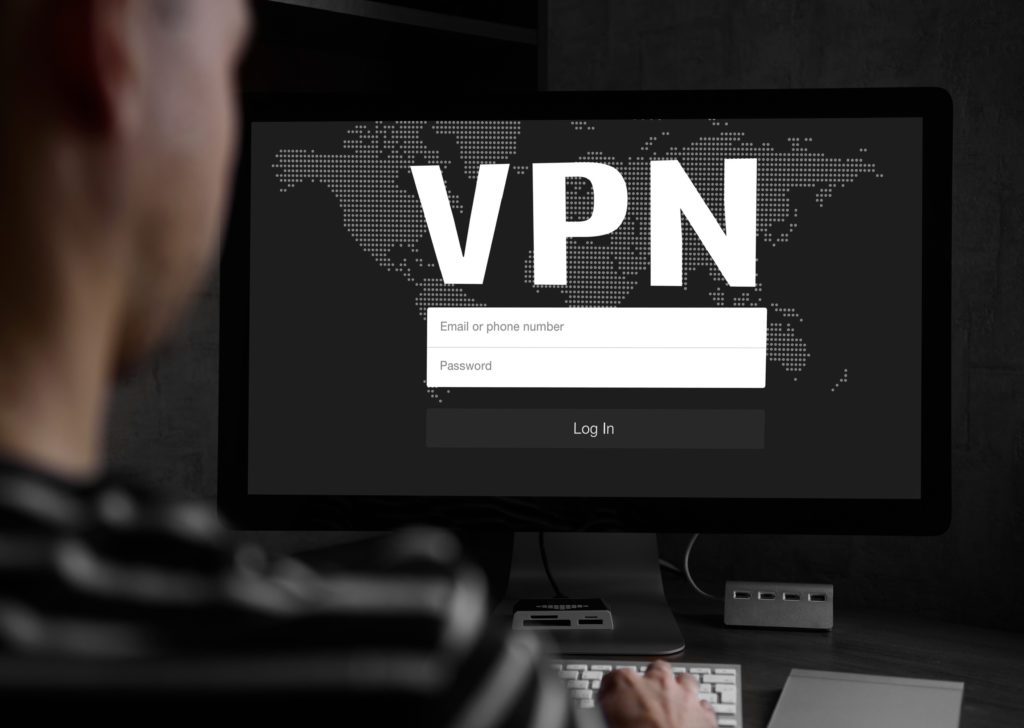
Google might think that you are in a different country or state if you’re using a VPN (Virtual Private Network).
A VPN is any technology that gives us virtual access to a private network—e.g., an organization’s network in Germany.
Imagine being an engineering student.
There are many resources on the web, but there are many important articles in Germany, and only German students have access to these articles based on their location and IP addresses.
We can use a VPN to connect to a German server and try to access these articles.
Here’s an easier explanation.
We’ll use the example of Spotify.
Some countries still don’t have access to Spotify or other Android phone apps.
The authorization for those countries is still pending, so access is currently not possible.
However, when any person in that country uses a VPN to access the app through another country’s server, they can access it with ease.
However, it might be slower than usual because your virtual and physical locations are different.
If you try to access Netflix through a VPN, you’ll get a unique set of TV shows.
The fact is that Netflix streams different shows in different countries.
Even location-based ads become different when you access anything online through a VPN.
So, the best bet is that Google will detect the wrong location provided by the VPN.
The solution for this is quite simple. Just turn off your VPN, and your location will be back to normal with a simple refresh of a page.
Google Chrome and Your Location
If you want a more accurate location-based service, a way to help Google and other sites provide you with their offers, products, and other useful things is to share your location.
You can do this by opening Chrome on your computer, then clicking the top right three vertical dots to access settings.
You’ll see the “Privacy and Security” tab, and under that tab, you can click on Site settings.
Then, click on location, and turn Ask before accessing off.
This way, Google will share your location with a website.
The website can then provide content specifically for your exact location.
To do that on an Android phone, simply open Chrome, access site settings the same way, and turn location on.
It’s quite similar to any Apple product as well.
Google Maps Location Accuracy
With Google Maps, it’s a little tricky.
If you don’t want your location to be known, you can simply turn it off.
However, you can turn on multiple settings to get the most accurate location possible.
The way to do this is simply to swipe down from the top of your Android device’s screen.
Then, touch and hold the “location,” go to Advanced > Google Location Accuracy > Improve Location Accuracy.
To increase the efficiency of the location service, you can go to the Advanced setting and then click on Emergency Location Service, Google Location History, and Google Location Sharing.
Sometimes, it’s best to preserve your location data. For certain services and their effectiveness, it’s good to have a very precise location.
- Turned Off iPhone Location Sharing: How to Know?
- Location Sharing: Stops When Phone Battery Dies?
- Hacking Phone’s GPS: How to?
- Snap Map Location: Disappearing if Phone Dies or Inactive?